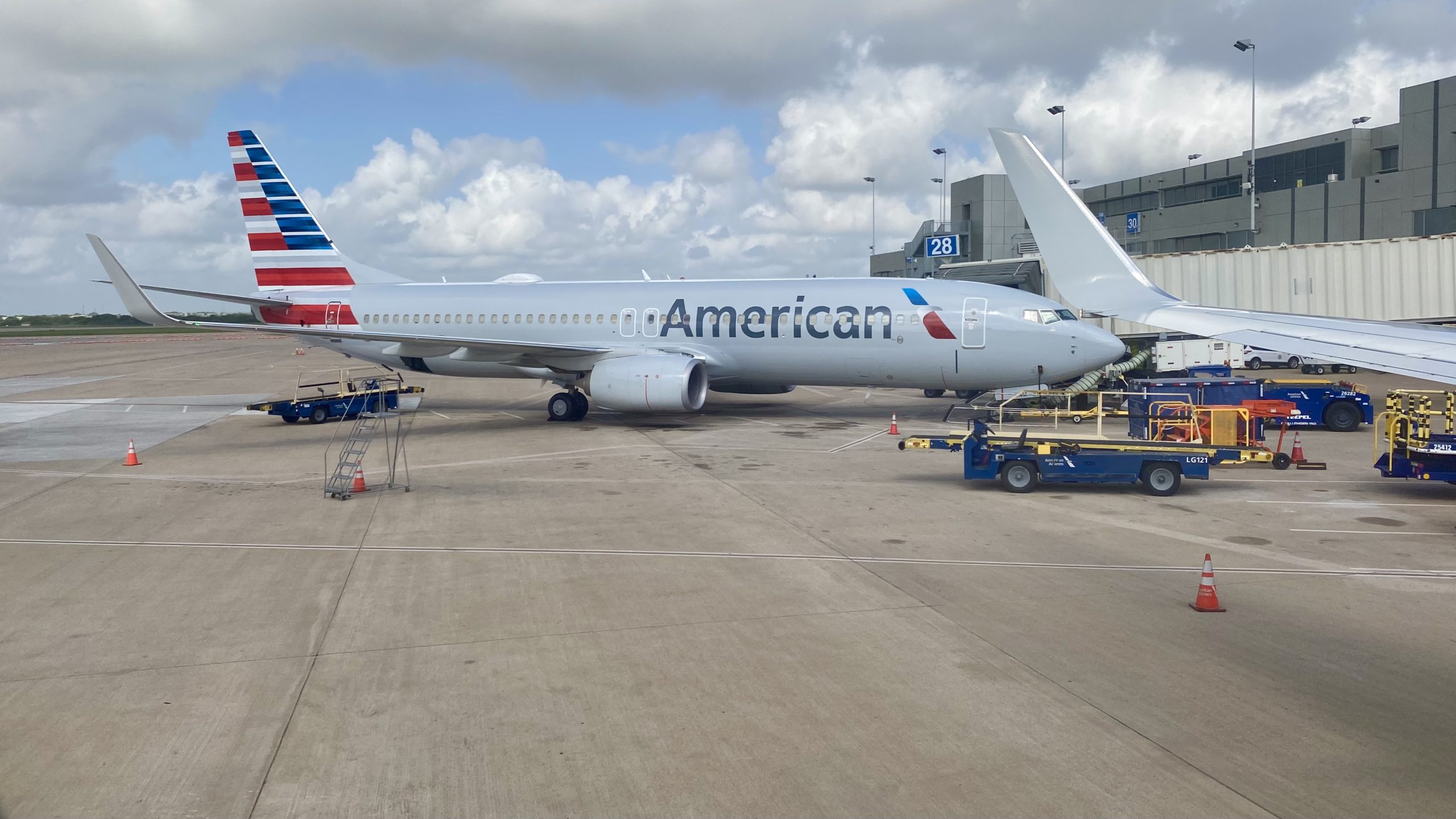
British Airways Avios can be a great way to book American Airlines flights — especially on shorter routes where the Avios cost can be reasonable, and the taxes are low. The booking is made through British Airways, but the flight itself is on American, which is where things can get a little messy once you try to manage the trip.
The biggest “gotcha” is that British Airways and American Airlines don’t always use the same confirmation code. So the record locator BA gives you may not work on AA.com — even though you’re flying on American metal.
Two separate problems (and two separate fixes)
When you book an AA flight with Avios, there are two different issues people run into.
- Problem #1: Finding the American Airlines record locator (PNR)
You need the AA record locator to pull up your reservation on AA.com. The BA confirmation code often won’t work there. - Problem #2: Adding or changing the frequent flyer number
This is separate (and has a different fix). We’ll tackle that in the next section.
Best method: Find your AA record locator through BA’s “Change seats” link
The easiest way to find the American Airlines record locator is to start on the British Airways website and use the seat management link for the AA-operated flight. This usually reveals the AA confirmation code without needing to call anyone.
- Log into your British Airways Executive Club account.
- Go to Manage My Booking and open your Avios reservation.
- Locate the flight segment that is operated by American Airlines.
- Click Change seats (or View / change seats) for that AA-operated segment.
- If you see a prompt about sharing your data with American Airlines, accept/consent and continue.
- Scroll down on the page. Near the bottom, you should see multiple reference numbers — including an American Airlines reference (this is your AA record locator/PNR).
- Write down the AA record locator (it’s typically 6 characters).
Tip: If you don’t see it immediately, look for small text labels like “American Airlines reference” or “Other airline reference.” The BA booking reference and AA record locator are often both shown — but not always in the same place on the page.
Now that you have the AA record locator, pull up the trip on AA.com
Once you’ve found the American Airlines record locator, the next step is simple: go to AA.com (or the AA app) and look up your trip using the record locator + passenger last name.
From there, you can usually do the things people actually care about:
- Confirm or change seat assignments
- Add your Known Traveler Number (TSA PreCheck)
- Make sure the reservation shows up in your AA account (if your AAdvantage number is attached)
In many cases, you’ll also be able to add or update the frequent flyer number right on AA.com. If it saves correctly, you’re done.
If AA won’t let you update the frequent flyer number, try a oneworld partner site
Sometimes AA will display your reservation just fine, but the frequent flyer number field won’t update (or it’s greyed out / won’t “stick”). When that happens, the workaround is to pull up the same reservation on a oneworld partner website and update the traveler’s details there.
For a while, Finnair was the go-to. These days, the more reliable option people have been using is Royal Jordanian.
Royal Jordanian (current go-to workaround)
- Go to Royal Jordanian’s website and open Manage booking.
- Enter your British Airways booking reference and the passenger last name to retrieve the reservation.
- Look for a section like Traveler/Passenger details (wording varies).
- Find the area for Frequent flyer number / Loyalty program.
- Add or replace with the correct American Airlines AAdvantage number, then save.
- Give it a few minutes, then check AA.com or the AA app again — in many cases, the trip will now appear under that AAdvantage account.
Good to know: You don’t need this workaround just to manage seats or add a KTN — that’s why finding the AA record locator is the key step. The partner-site trick is mainly for when the loyalty number won’t update properly through BA or AA.
Prevent this next time: keep your BA number off the booking during checkout
If you’re reading this, you probably already hit the “why won’t this save?” wall when trying to attach an AAdvantage number to an American flight booked with Avios.
Here’s the weird-but-helpful part: when you book an Avios award while logged into your British Airways account, BA will often auto-attach your British Airways Club (Executive Club) number to the reservation. And once that BA number is on the booking, American’s site may show the frequent flyer field as locked, making it harder to swap in your AAdvantage number later.
So if your goal is to manage the trip in AA’s world (and have the reservation show up under your AA profile), the best move is to avoid attaching your BA number during the booking process:
- During the Avios checkout flow on ba.com, go to the Passenger details step.
- Look for the field that contains your British Airways Club / Executive Club number.
- Delete/clear that number before you finalize the booking.
- Alternatively, if BA asks a question like whether the payment card holder is traveling, selecting No may automatically remove the BA club number from the passenger details.
- Finish booking, then use the steps above to find your AA record locator and manage the reservation on AA.com.
Don’t worry: you can still use Avios to book the ticket even if you keep your BA number off the passenger details. This tip is just about making it easier to attach the frequent flyer number you actually want afterward.
Final thought: this really shouldn’t be this hard
None of this is “advanced travel hacking.” It’s basic housekeeping: find your reservation, confirm seats, and make sure the right frequent flyer number is attached. And yet when you book an American Airlines flight through British Airways Avios, you can end up bouncing between multiple websites just to do what should be a two-minute update.
The good news is that once you know there are two separate issues (finding the AA record locator vs. updating the frequent flyer number), the troubleshooting becomes much more straightforward — even if the process is still unnecessarily complicated.
And if you’d rather not spend your time tinkering online, you may be able to skip the multi-website shuffle entirely by contacting a representative. Several readers have mentioned success getting this handled by:
- American Airlines (phone or chat) — especially if you already have the AA record locator and just need the frequent flyer number added or corrected.
- British Airways (phone) — to request the AA record locator, update passenger details, or fix loyalty info that won’t “stick.”
It’s not always the fastest option, but sometimes one person with the right tools beats an hour of clicking around multiple sites.
Did this work for you?
If the BA “Change seats” method (or the Royal Jordanian workaround) solved your problem, let us know in the comments — and tell us which one worked.
If it didn’t: try one of these alternatives:
- Look for the AA record locator in another spot on BA.com. Some readers have found it on the seat-selection/data-sharing page by scrolling all the way to the bottom.
- Try a different oneworld partner “Manage booking” site. Royal Jordanian is the current go-to, but other carriers sometimes display the reservation details in ways BA/AA don’t.
- Use American Airlines chat or call. If your main goal is updating the frequent flyer number, a rep can often attach it quickly once they locate the booking.
- Call British Airways to request the AA record locator or to update passenger details that won’t save online.
And if you’ve found another reliable method (or if a workaround stops working), drop it in the comments — this is one of those travel quirks where the “best” solution can change over time.
Want to comment on this post? Great! Read this first to help ensure it gets approved.
Want to sponsor a post, write something for Your Mileage May Vary, or put ads on our site? Click here for more info.
Like this post? Please share it! We have plenty more just like it and would love it if you decided to hang around and sign up to get emailed notifications of when we post.
Whether you’ve read our articles before or this is the first time you’re stopping by, we’re really glad you’re here and hope you come back to visit again!
This post first appeared on Your Mileage May Vary