Choosing a rental car is not the most glamorous part of vacation planning.
Most of the time, I don’t care what I’m driving — I just want something that’s not comically tiny and has enough room for two suitcases. Beyond that, a car is a car.
Of course, every so often you luck out. Like the time we got upgraded to a Volvo because something went sideways at the Hertz counter.
But here’s the thing: rental cars are one of those parts of travel planning where spending a little extra time can actually pay off.
There’s a law of diminishing returns when it comes to travel planning. Put in a little effort, and you can save real money (or avoid a real headache). Put in too much effort, and you’re spending hours to save $12.
Car rentals live right in the sweet spot.
Years ago, when I used to fly to Orlando (before we lived here), I was brand loyal and always rented from National. They were big, predictable, and I could usually stack a discount coupon to keep the price reasonable. Eventually, I got Emerald Aisle access, so I could book a standard car and pick from whatever was available at pickup.
Back then, I thought that was the coolest thing ever.
Now? I’m not as big a fan of picking out my own car. I want the car I booked, minimal counter nonsense, and to get on with my day.
When National’s rates started creeping up, I started bouncing around — Dollar, Avis, Alamo, Hertz — basically anyone “major enough” that I felt I could count on a smooth pickup.
And to make pickups easier, I did the one free thing that actually matters:
I signed up for all of their loyalty programs.
Having your info on file means less time at the counter… and fewer awkward attempts to sell you every possible add-on, including coverage you probably don’t need.
So here’s the system I use now.
(Hint: if you’re in a hurry, skip straight to Step 3)
Step 1 – Look at a major website
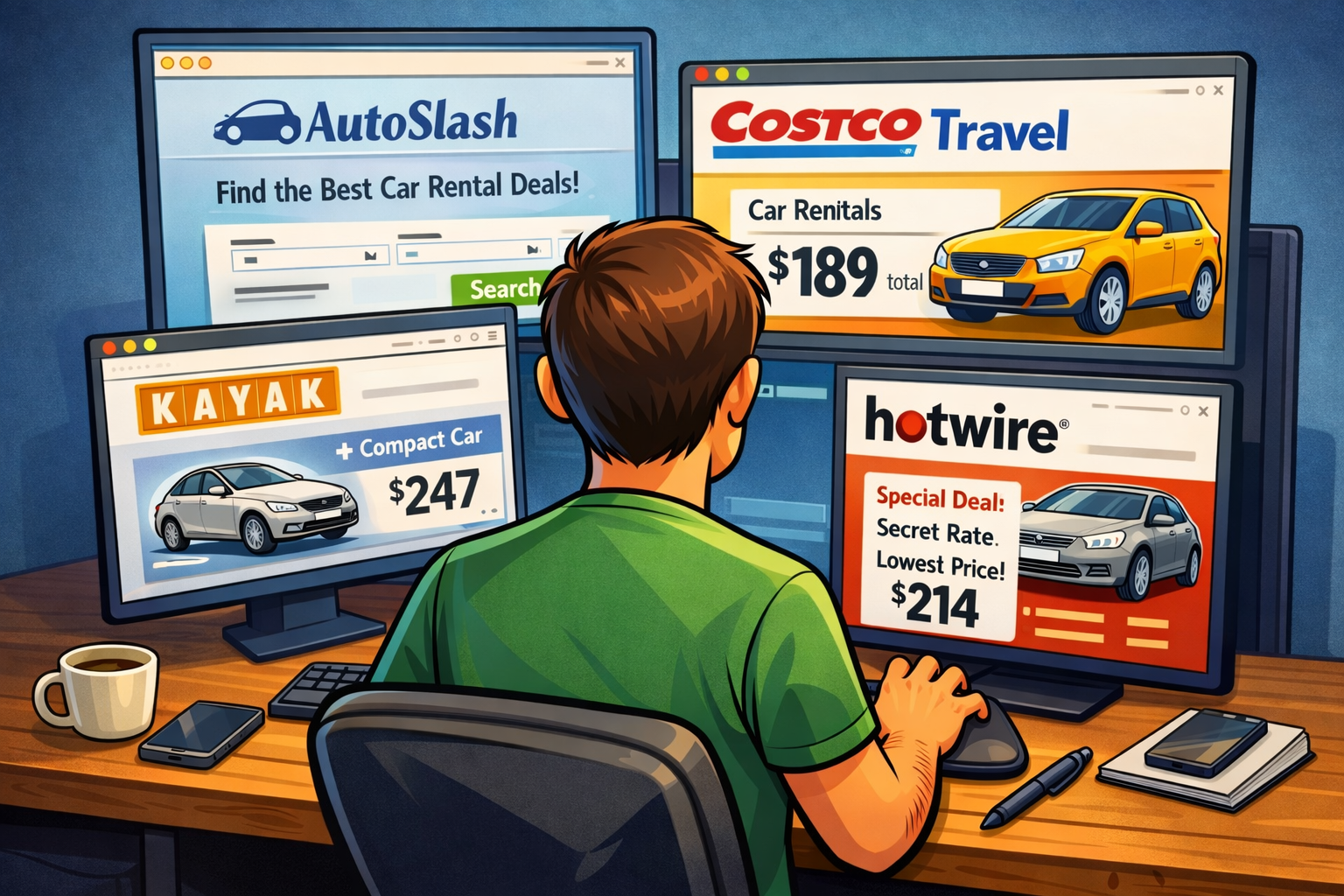
I always start by checking a major site like Kayak or Hotwire.
This isn’t necessarily where I book — it’s where I get a baseline. What’s the market saying for my dates? Are we in “normal pricing” territory, or is this one of those weeks when rental cars cost as much as a hotel room?
Hotwire can also be useful as a “how low will this go?” reference point, but keep in mind that the deepest Hotwire discounts are often prepaid/opaque and may come with strict change/cancellation rules. That’s great when you’re sure of your plans… and not so great if you want flexibility.
Step 2 – Check a Wholesale Club site (or two)
If you have a Costco or BJ’s membership, this is the next stop.
Check Costco Travel and/or BJ’s Travel.
I’ve found outstanding Costco deals and booked them on the spot — especially because Costco makes it easy to keep things simple: you generally book now, pay at the counter, and can cancel without a fee if prices drop or plans change. (Costco also waives one additional driver fee on many rentals, which can be a sneaky value add if you’re splitting driving.)
They also tell you the car company before you book and let you enter your loyalty number, so you still get the “skip the counter nonsense” benefits.
Step 3 – AutoSlash
This is where I stop guessing and let someone else do the work.
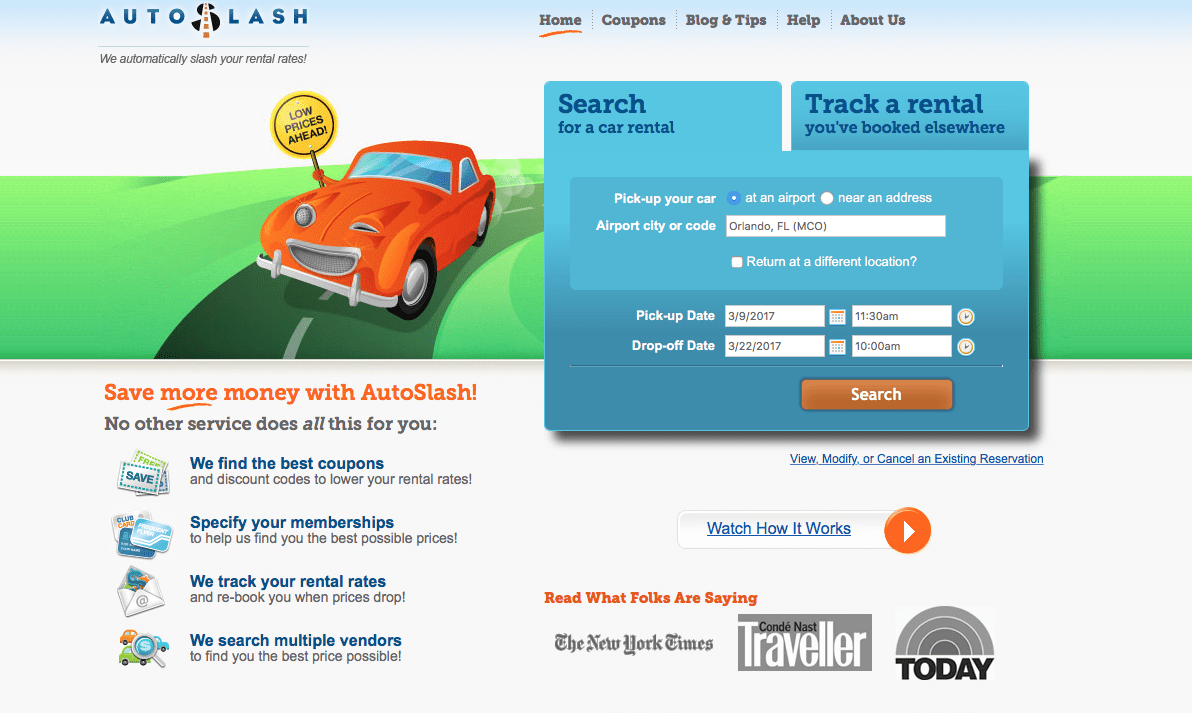
The AutoSlash website is the tool I use for every rental. You send a request through their form, and you’ll get a quote by email — often within minutes.
Once I’ve got my baseline from Steps 1 and 2, I run the same rental through AutoSlash and see what it returns. Then I book the best option.
But the real magic is what happens after you book.
No matter who I reserve with, I enter my reservation into AutoSlash Tracking. AutoSlash will continue monitoring your rental and apply every coupon/discount it can find (plus any memberships you may have, such as AAA or Costco). If the price drops, they email you and tell you to rebook.
That’s why I strongly prefer reservations that are cancelable. If you lock yourself into a prepaid/nonrefundable deal, you might save money upfront — but you lose the easy “rebook when the price drops” win.
I’ve personally had a rental go down over $180 from when I originally booked it, thanks to AutoSlash. And the best part is, once tracking is set up, you do nothing. They do the work.
Step 4 – Don’t forget about corporate rates.
Corporate rates can be a legitimate way to get a better price.
One way I found reasonable rates was to use my employer’s corporate code. It was totally legit, and the website explicitly said it was fine for leisure rentals.
One quick caution: stick to codes you’re actually entitled to use (employer, alumni association, etc.), because some discounts can require verification at pickup.
Step 5 – If all else fails
Every so often, the steps above don’t get me to a price I like.
At that point, sure, you can go down the rabbit hole. People will tell you to search fifteen different sites, rent from an off-airport location, or try a dozen other hacks. Sometimes those work — but remember the law of diminishing returns.
Your time is worth money. Spending hours to save $15 on a rental usually isn’t the win people think it is.
If you want to explore the “advanced” world of rental car discounts, there are plenty of posts offering 6, 8, or even 12 steps. And if you enjoy the hunt, go for it.
But if you want a system that’s fast, repeatable, and still finds great prices? Steps 1–4 get me there almost every time.
Want to comment on this post? Great! Read this first to help ensure it gets approved.
Want to sponsor a post, write something for Your Mileage May Vary, or put ads on our site? Click here for more info.
Like this post? Please share it! We have plenty more just like it and would love it if you decided to hang around and sign up to get emailed notifications of when we post.
Whether you’ve read our articles before or this is the first time you’re stopping by, we’re really glad you’re here and hope you come back to visit again!
This post first appeared on Your Mileage May Vary

4 comments
Your article came just at the right time for me. I am looking to book a rental for our June trip at SLC. As I checked Kayak I see many rental companies and price differs by quite abit. I haven’t rent a car in many many moons and I am seeing many rental companies that I have not seen before. Have you ever used wisecars or gotcarsrental and economy? A=Is it safe to rent with these companies? There prices are quire abit cheaper than the Hertz n National or Avis. Prices at BJs and Costco are also much higher. Appreciate your thoughts.
For the car rentals with names I don’t know, it’s usually a pass. I know Autoslash gives star ratings to all of the companies that they list, so that helps. At the least, I’d expect a hard sell from these companies at the counter and the location being off-site requiring a shuttle. For us, it’s not worth the savings.
Thank you for your reply.
Autoslash did give me a quote from Avis that is $80 above the company Economy for a Camry Toyota.
Will have to check around more.
I love AutoSlash (and their sister company, HotelSlash). I was an early adopter and it has paid off time and time and time again. My family takes an annual two week trip to Grand Cayman every year sometime between June and August. We always rent a car. Last year was the big win: initially our AutoSlash price was $325 for the two weeks in a midsize. By the time we arrived, the price had dropped to $125 for the two weeks…in Grand Cayman!? The cherry on the top was when the rental agent asked, “How did you get that price?” #customerforlife