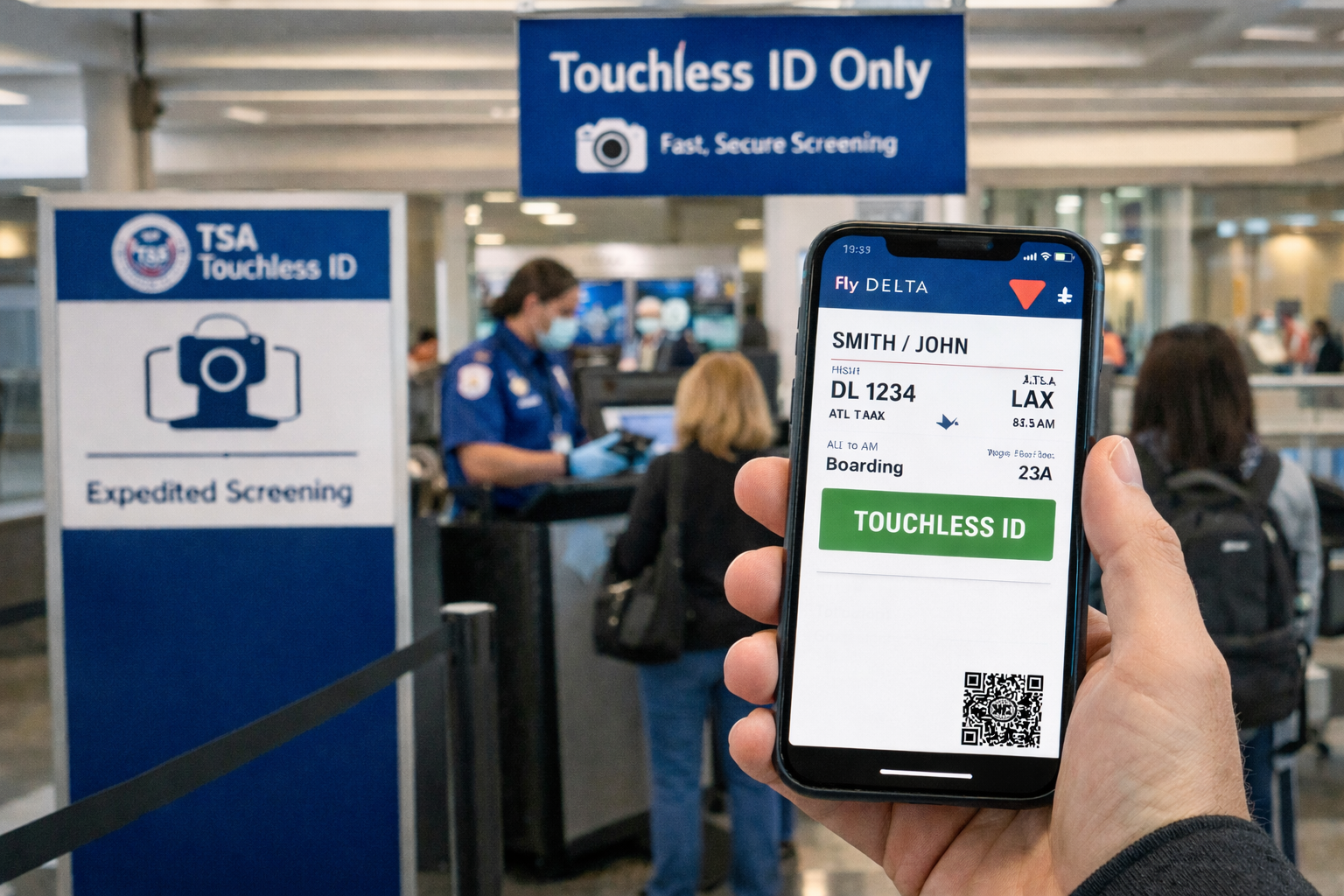
I didn’t find Delta’s new Touchless ID option because they emailed me about it. I noticed it because it appeared as one of the “New” features when I updated the Fly Delta app.
And that’s exactly why I update travel apps before a trip. It’s part of my pre-travel checklist—updating the airline apps, making sure logins still work, checking that boarding passes load properly, and confirming nothing changed in the background. Airlines push updates constantly, and sometimes the only hint that a new feature exists is a one-line bullet in the App Store update notes that most people never read.
Once I saw “Touchless ID” listed there, I looked for it, and Delta didn’t make it easy to find. Instead, the setting is tucked several menus deep inside the Fly Delta app.
Who Can Use It (And What You’ll Need)
Delta is positioning this as part of the TSA PreCheck Touchless ID pilot, so there are a couple of practical requirements you need to meet before you hunt down the toggle.
- You’ll need TSA PreCheck, since this is tied to the TSA PreCheck Touchless ID program.
- You’ll need a passport, because the Fly Delta app has you scan your passport when you set it up.
- You’ll need to check in using the Fly Delta app, because that’s how the green Touchless badge appears on your mobile boarding pass.
- Everyone traveling has to opt in individually, including children.
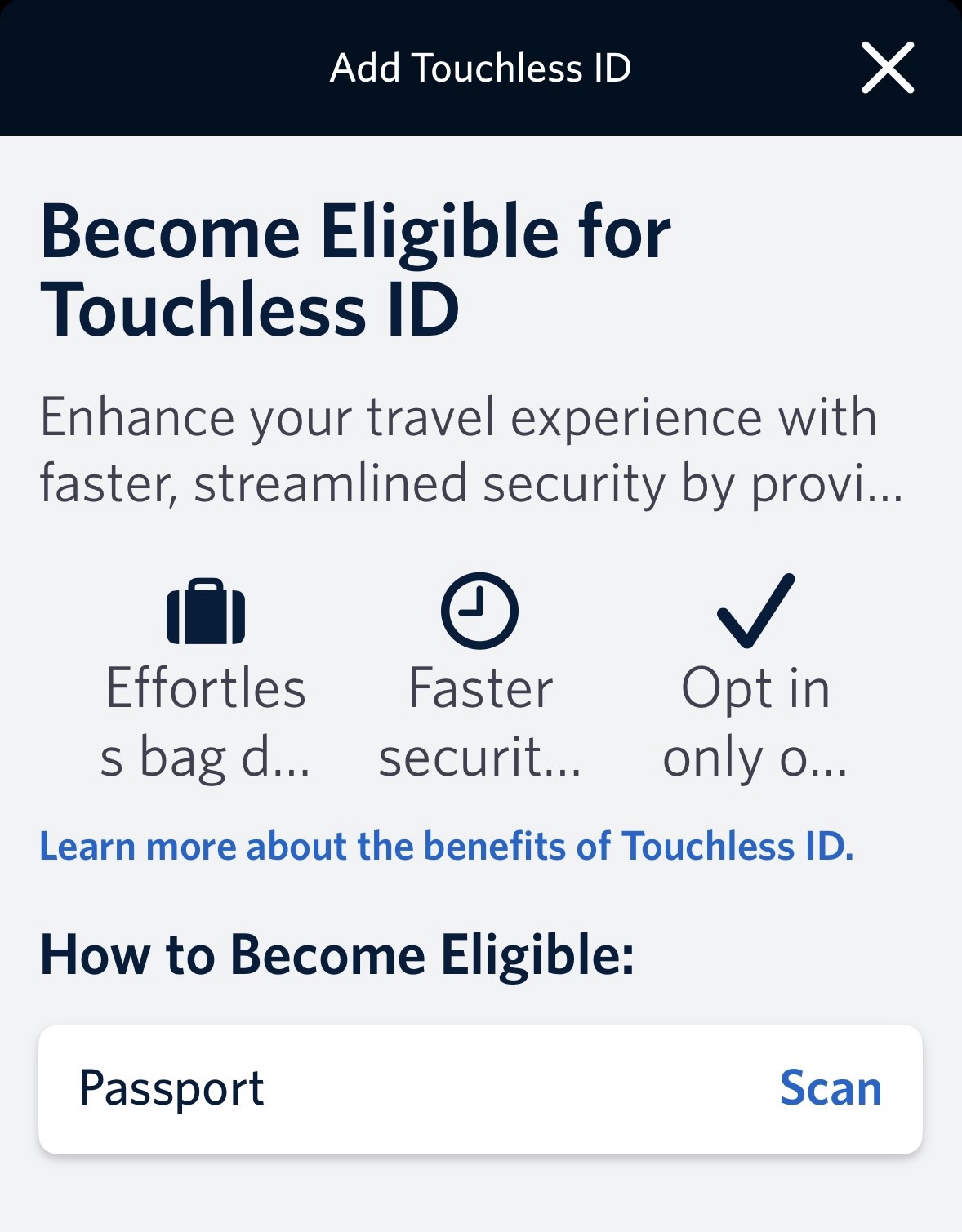
Where Delta Hid The Touchless ID Setting
If you want to enable it, here’s the path:
- Account (bottom tab)
- Profile (top of screen)
- Travel Preferences
- Add Touchless ID
- Scan passport
- Turn on Touchless ID
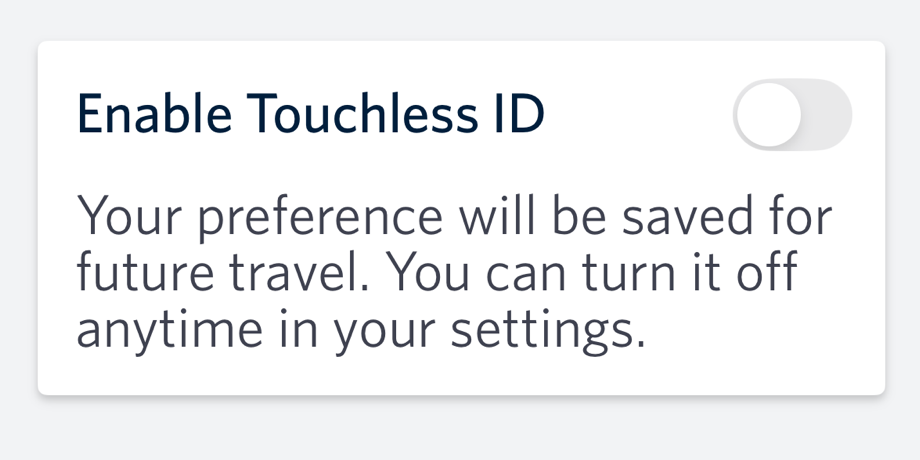
Delta says it can take up to about 10 minutes for the change to be reflected. If you’ve followed Delta’s biometric rollout before—like when we talked about Delta Digital ID—this will feel familiar. The difference is that Touchless ID lives quietly within Travel Preferences rather than being front and center.
Airports Currently Participating
This is still part of an expanded pilot, but Delta lists a surprisingly long group of airports where Touchless ID is already rolling out: ATL, BOS, CLT*, DFW*, DEN*, DTW, EWR*, IAD*, IAH*, LAS*, LAX, LGA, JFK, MSP, OAK*, ORD*, PBI*, PHL*, PDX*, SFO*, SEA, SLC and DCA. Delta also notes that airports marked with an asterisk may not yet offer a dedicated Touchless bag drop, even if the security experience is supported. (Delta: Touchless ID)
Things Delta Says You Should Know
Delta also includes a checklist of fine print that’s worth knowing up front:
- Everyone traveling in your party must individually opt in to participate, including children
- Participation is optional
- Once you opt in, it can take up to 10 minutes for the change to be reflected
- You must check in using the Fly Delta app for the green Touchless badge to appear on your mobile boarding pass
- During the expanded pilot phase, participants may still be asked to show a valid U.S. government-issued photo ID or passport at security and at bag drop
- The TSA PreCheck Touchless ID program is separate from the TSA mobile driver’s license initiative
In other words, even if everything is turned on, you should still carry your ID—at least for now.
Want to comment on this post? Great! Read this first to help ensure it gets approved.
Want to sponsor a post, write something for Your Mileage May Vary, or put ads on our site? Click here for more info.
Like this post? Please share it! We have plenty more just like it and would love it if you decided to hang around and sign up to get emailed notifications of when we post.
Whether you’ve read our articles before or this is the first time you’re stopping by, we’re really glad you’re here and hope you come back to visit again!
This post first appeared on Your Mileage May Vary