The Citi Strata Premier is one of those cards that makes perfect sense… if you use it the way Citi expects you to use it.
Not for lounge access. Not for flashy “premium card” perks. And definitely not because it comes with a stack of credits that automatically wipes out the annual fee. If you’re looking for that kind of experience, Citi’s newer Strata Elite is the card designed around lounge access and premium-style benefits.
The real reason most people keep the Strata Premier is much simpler: it unlocks transfer partners. If you want to move ThankYou Points to airline and hotel programs, this is the Citi card that turns your points into something more valuable than a basic cash-out option.
That’s great in theory. In practice, many cardholders fall into a familiar pattern: they keep the card, pay the annual fee, and then don’t transfer points as often as they expected. Life gets busy, trip planning gets delayed, and suddenly you’re paying a fee mainly to keep the option of transferring points alive.
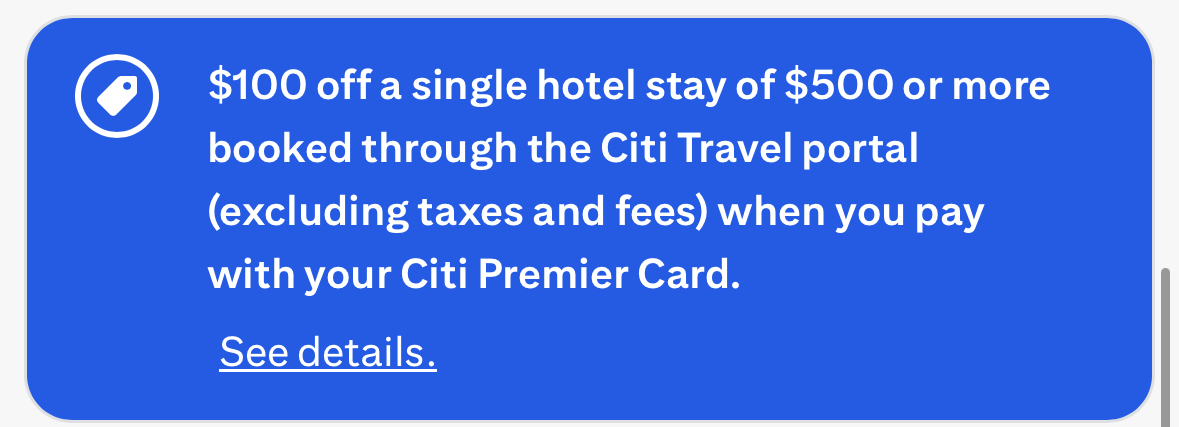
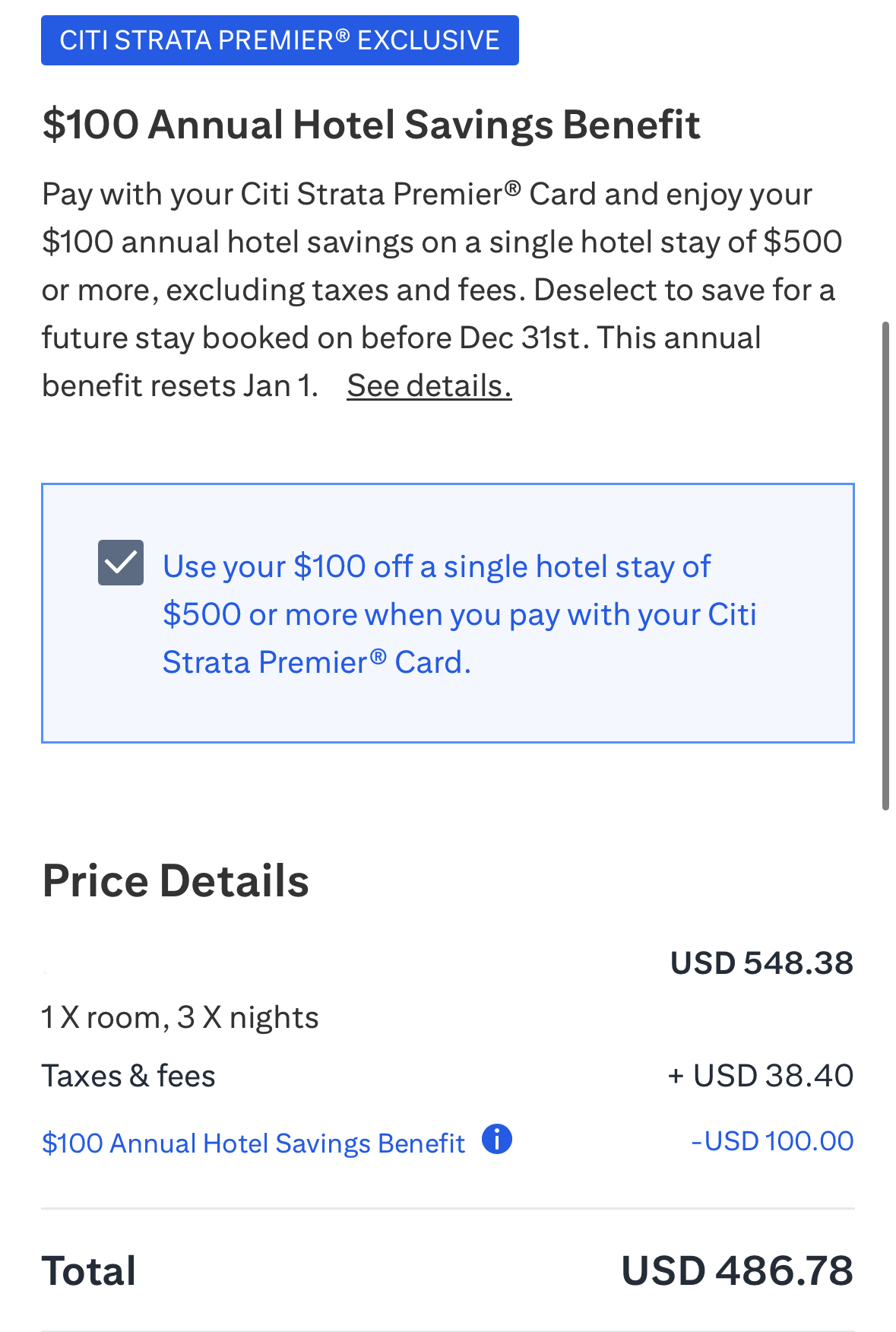
That’s why I actually like the Strata Premier’s most straightforward perk: the $100 annual hotel savings benefit. Once per calendar year, Citi knocks $100 off a single hotel stay of $500 or more (excluding taxes and fees) when you book through the Citi Travel portal. It’s not complicated. There’s no coupon code. No “enroll first” step. If your booking qualifies, the discount shows up automatically at checkout.
And yes, I know the words “travel portal” usually make people flinch. Prices can be inflated, elite benefits often won’t apply, and if something goes sideways, you’re sometimes dealing with a middleman instead of the hotel. I’m usually not excited about booking hotels that way unless there’s a clear advantage.
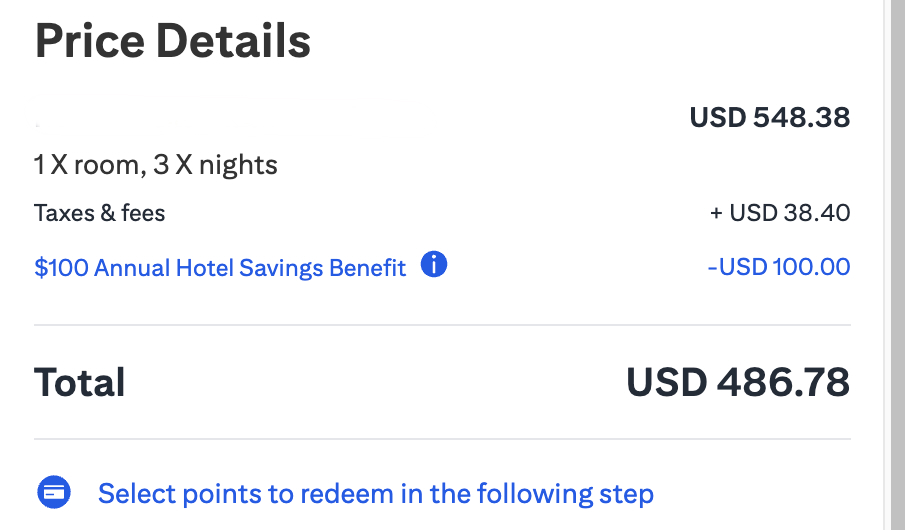
But we recently needed a hotel in Germany, and when I compared prices, I got a rare result: the Citi Travel price matched the hotel’s direct website. Our three-night stay came in at just over $500 before taxes, so the $100 discount was applied automatically. In other words, one normal hotel booking turned into a real $100 savings — enough to cover the card’s annual fee for the year (and then some).
If you want the full breakdown of the card, I covered that in my review here:
Citi Strata Premier Card Review.
What You Actually Get With The Citi Strata Premier
The Strata Premier isn’t a “premium travel card” in the lounge-and-credits sense. It’s more like a points-earning workhorse that becomes valuable when you use transfers strategically. Citi gives you solid bonus categories for earning points, and then it gives you the ability to transfer those points to travel partners — which is where the outsized value can come from.
Still, if we’re being honest, those benefits don’t feel very tangible unless you’re actively using them. That’s why the $100 hotel savings benefit stands out: it’s a simple, predictable way to get cash value back without needing to think about award charts, sweet spots, or transfer ratios.
How I Used The Citi Strata Premier $100 Hotel Credit
For our trip to Germany, we needed a hotel for three nights. I started the way I always do: I checked the hotel’s direct website first, because that’s usually the best combination of price, flexibility, and fewer headaches if plans change. Then I checked the Citi Travel portal — mostly out of curiosity, and because I knew we might be able to use the credit.
What surprised me was that the Citi portal price was the same as booking direct. Once the room rate crossed $500 (before taxes and fees), using the portal became the obvious move. The discount effectively covered the annual fee, and the booking itself didn’t cost any more than on the hotel’s own site.
Here’s exactly how to do it, first on a desktop browser and then using the Citi app.
How To Use The Citi Strata Premier $100 Hotel Credit (Desktop Walkthrough)
The credit isn’t hard to use, but Citi doesn’t exactly put a big flashing sign on the right button the first time you try. The main thing to know is that this benefit lives inside Citi Travel, and you reach that through your ThankYou account.
Step 1: Open ThankYou Rewards And Launch Citi Travel
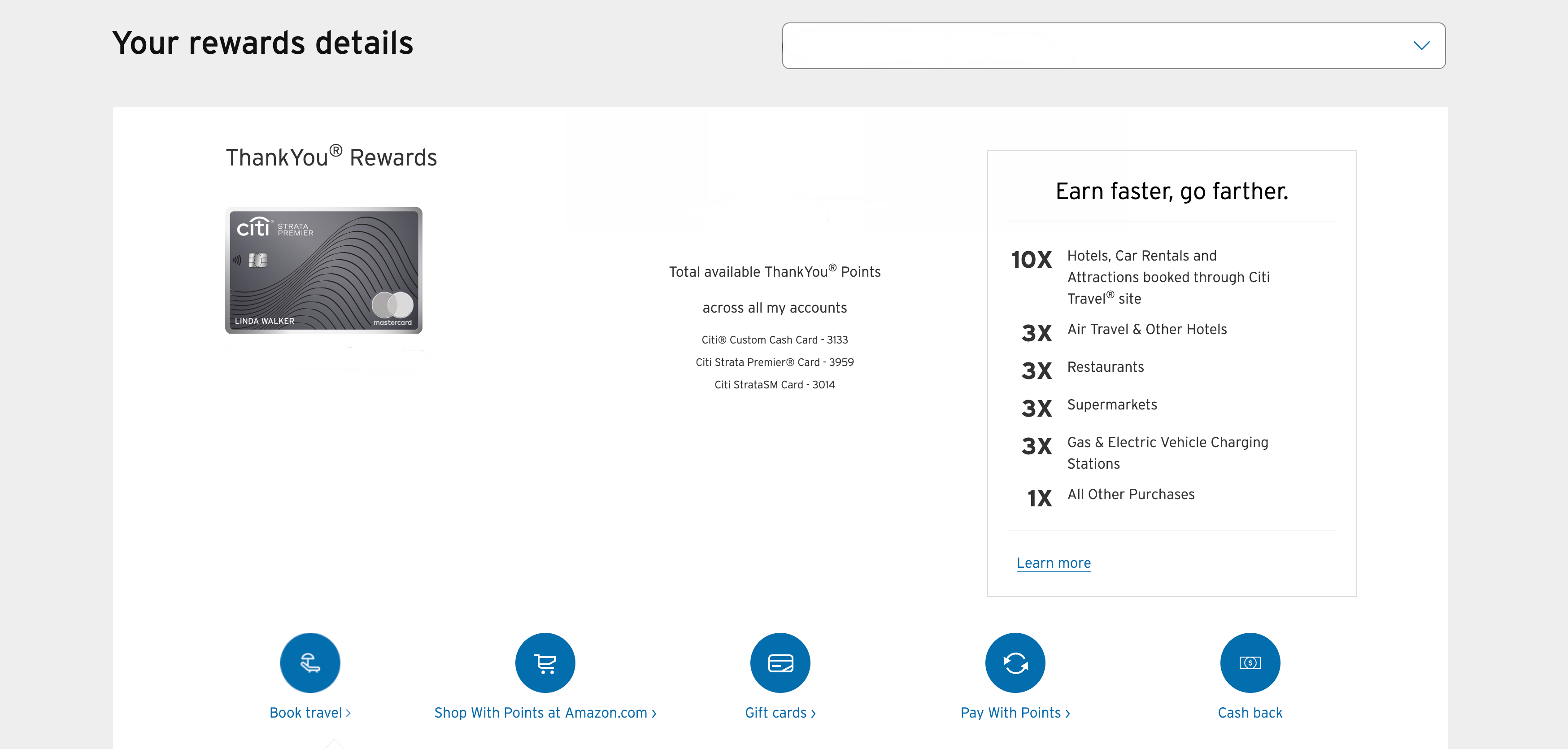
Log in to your ThankYou Rewards account and click Book Travel. That opens the Citi Travel portal, where the hotel savings benefit is applied.
Step 2: Confirm The $100 Hotel Savings Benefit Is Available
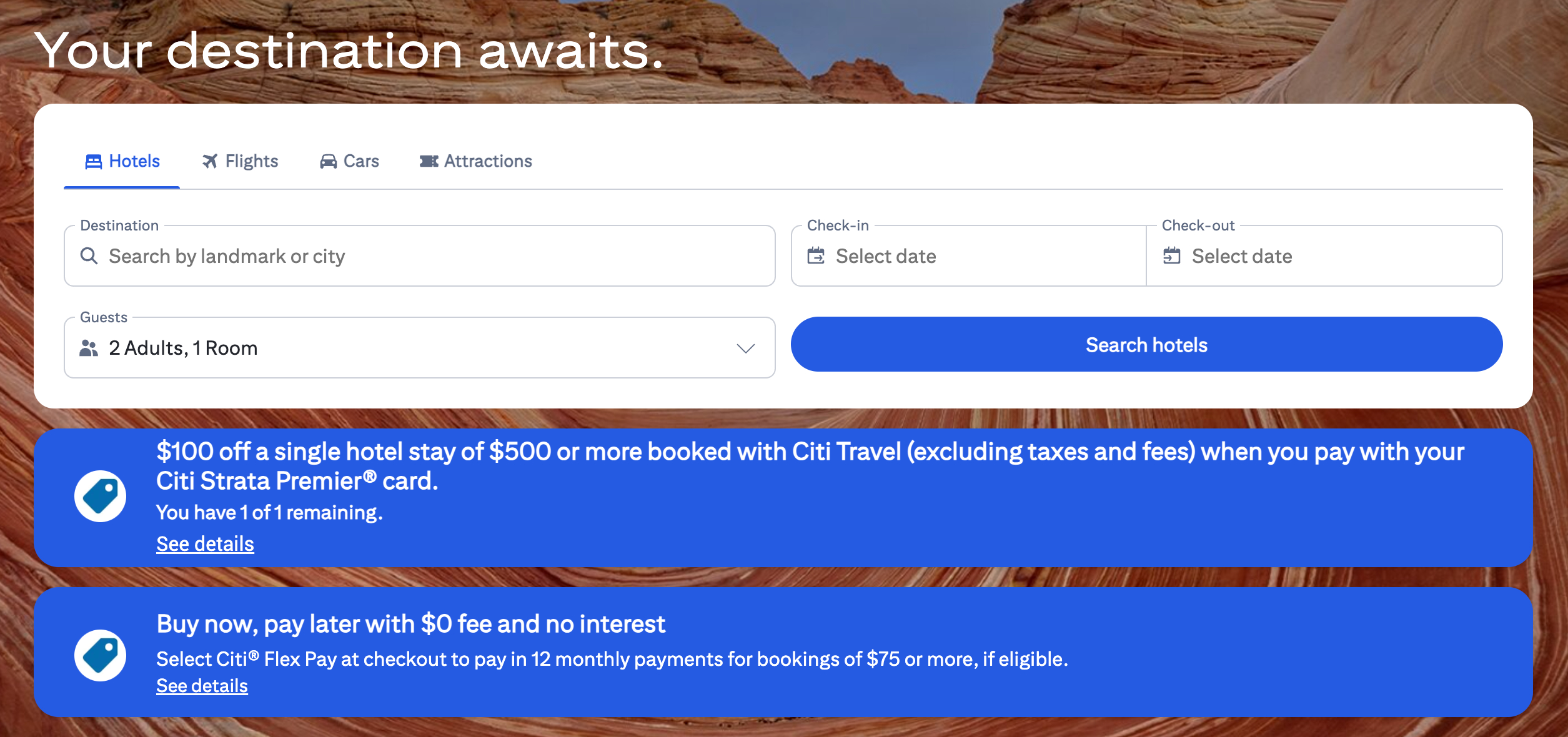
If you still have the benefit available for the year, you’ll see a banner confirming the offer. This is worth checking before you get too far into the process. If you don’t see that banner, the discount may not apply later.
Step 3: Search For Hotels Normally
From there, the portal works like any other hotel search tool. Enter your destination, dates, and number of guests, then browse the results
Step 4: Make Sure The Room Rate Is $500+ Before Taxes And Fees
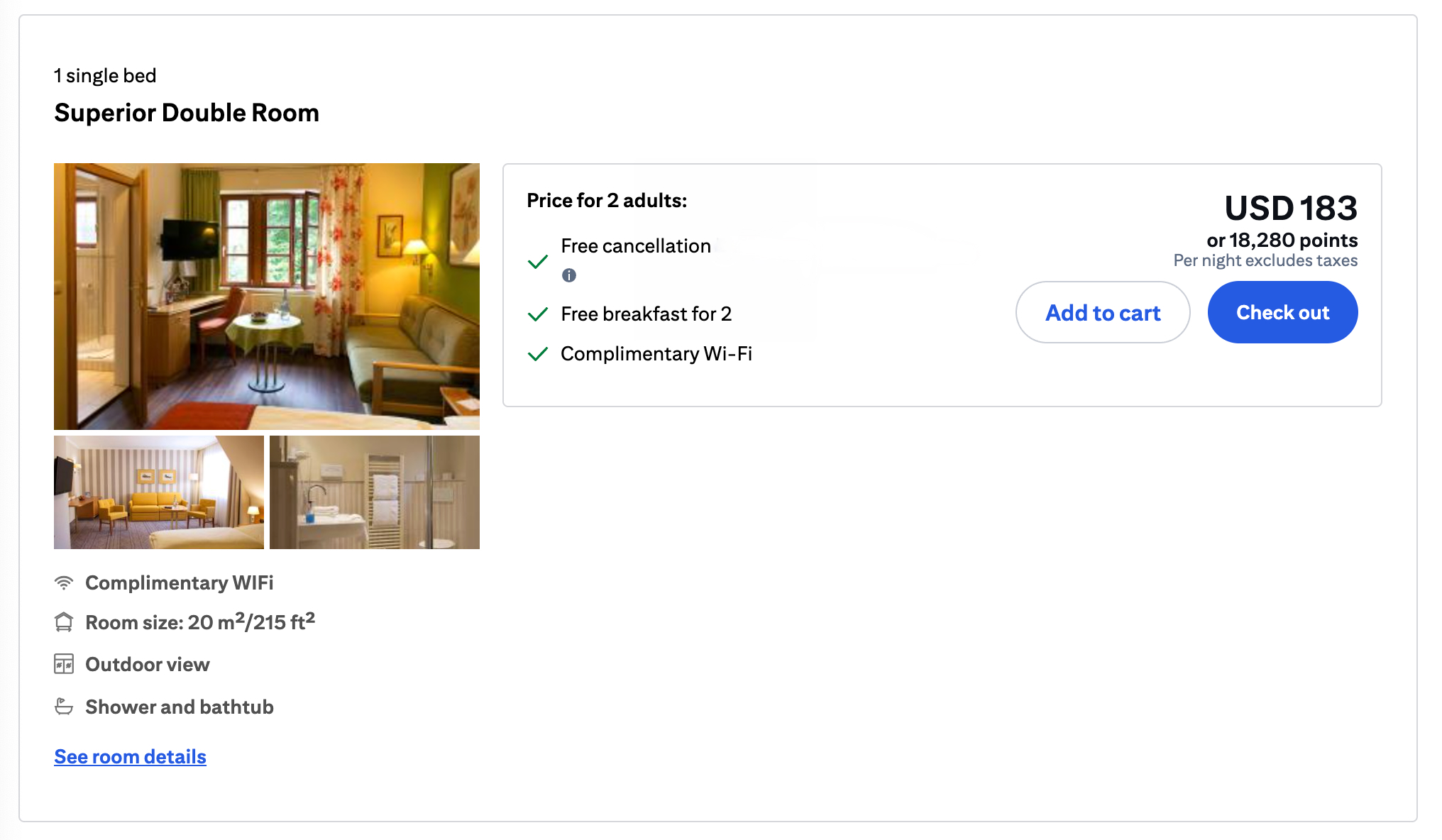
This is the part that can trip people up: the $500 requirement is based on the room rate, not the final “all-in” total. Taxes and fees don’t count toward the threshold, even though they obviously matter to your wallet.
Step 5: The $100 Discount Applies Automatically At Checkout
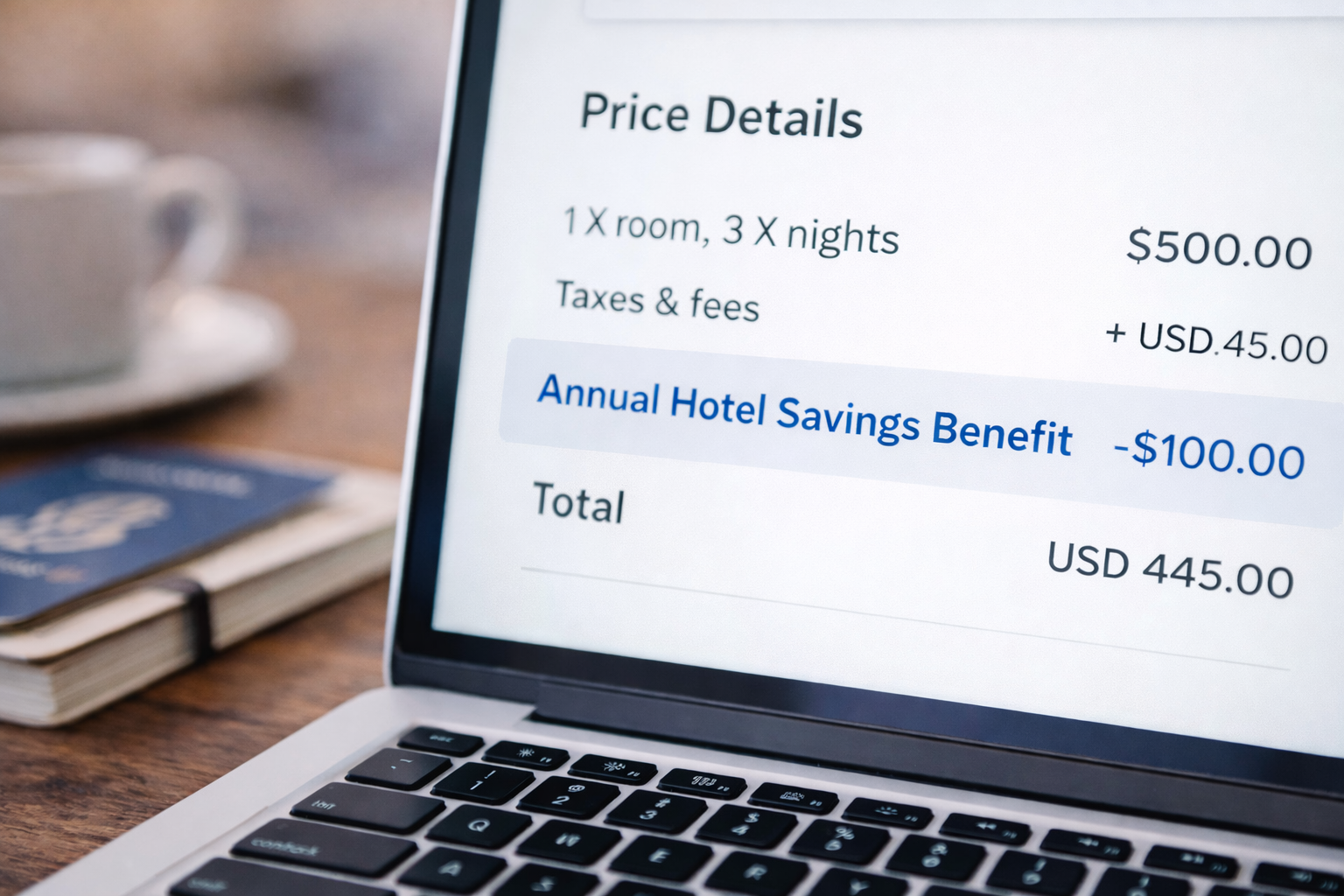
There’s no promo code to enter. If the booking qualifies, you’ll see a line item for the Annual Hotel Savings Benefit that shows the $100 discount at checkout.
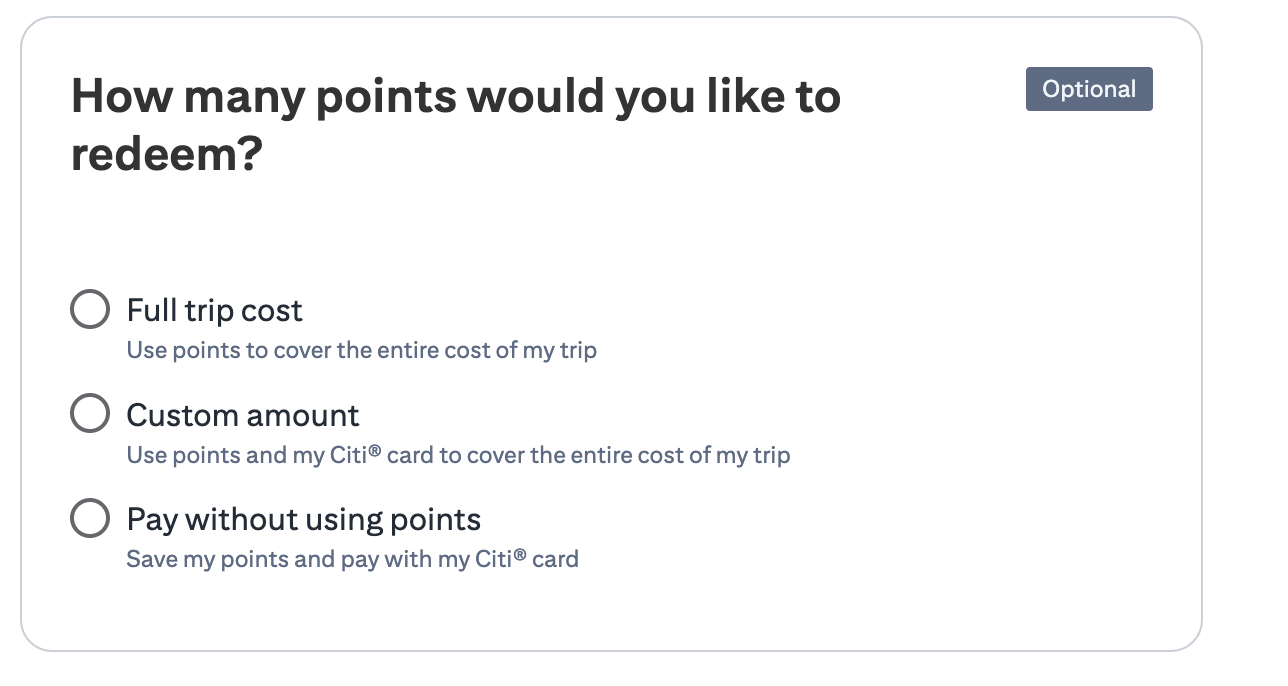
Step 6: Pay With Your Card (And Think Twice Before Using Points)
The portal will offer the option to use ThankYou Points, but I usually pay with my card and save points for transfers. If I’m going to redeem points for hotels, I’d rather do it through a program where the value is higher than a simple fixed-rate redemption.
How To Access Citi Travel In The Citi Mobile App
If you’re booking on your phone, the process begins inside the Citi app. The key difference is simply finding the correct entry point. Once you’re inside the travel portal, the actual booking flow looks almost identical to what you see on a desktop browser.
Step 1: Log Into The Citi App
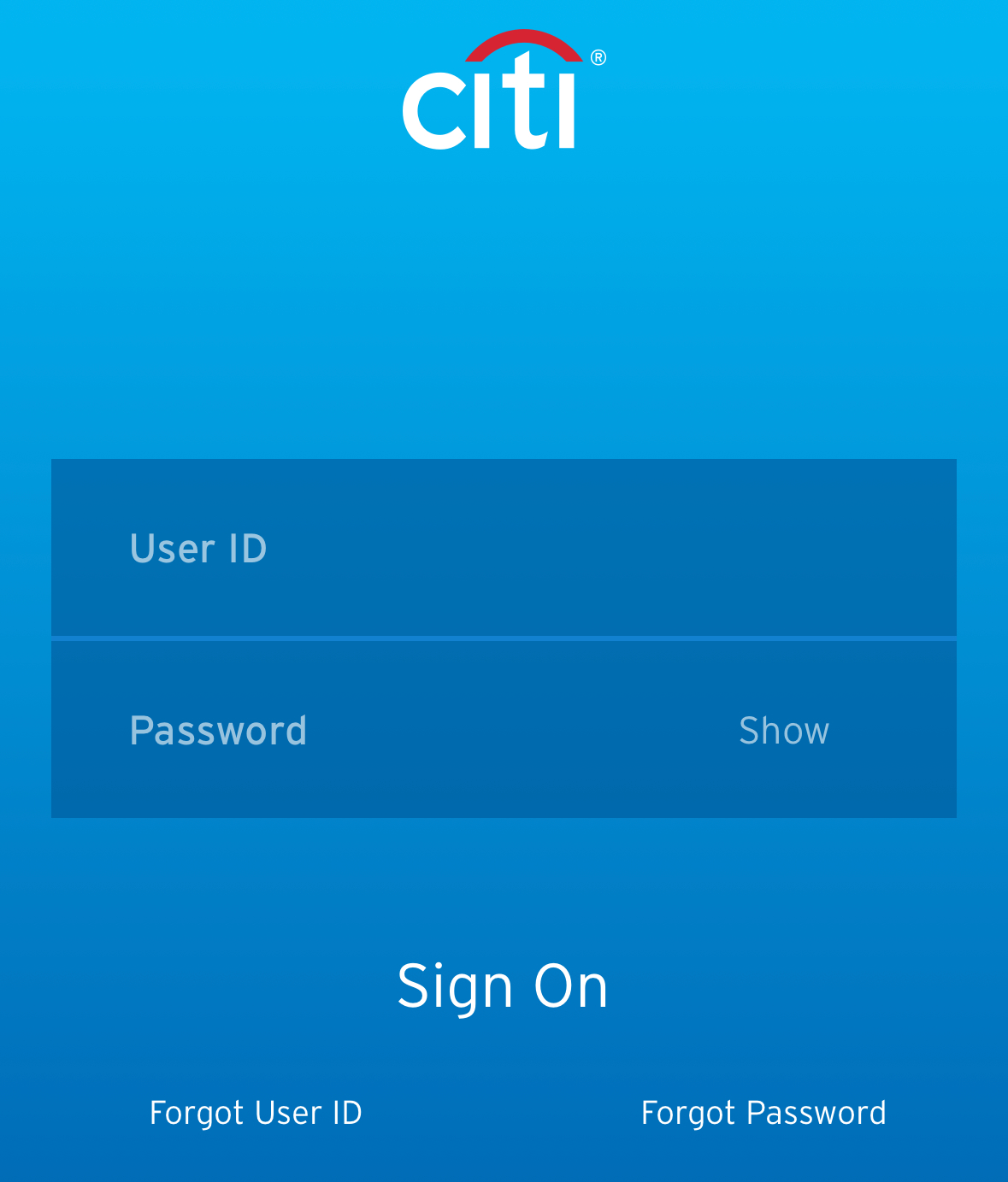
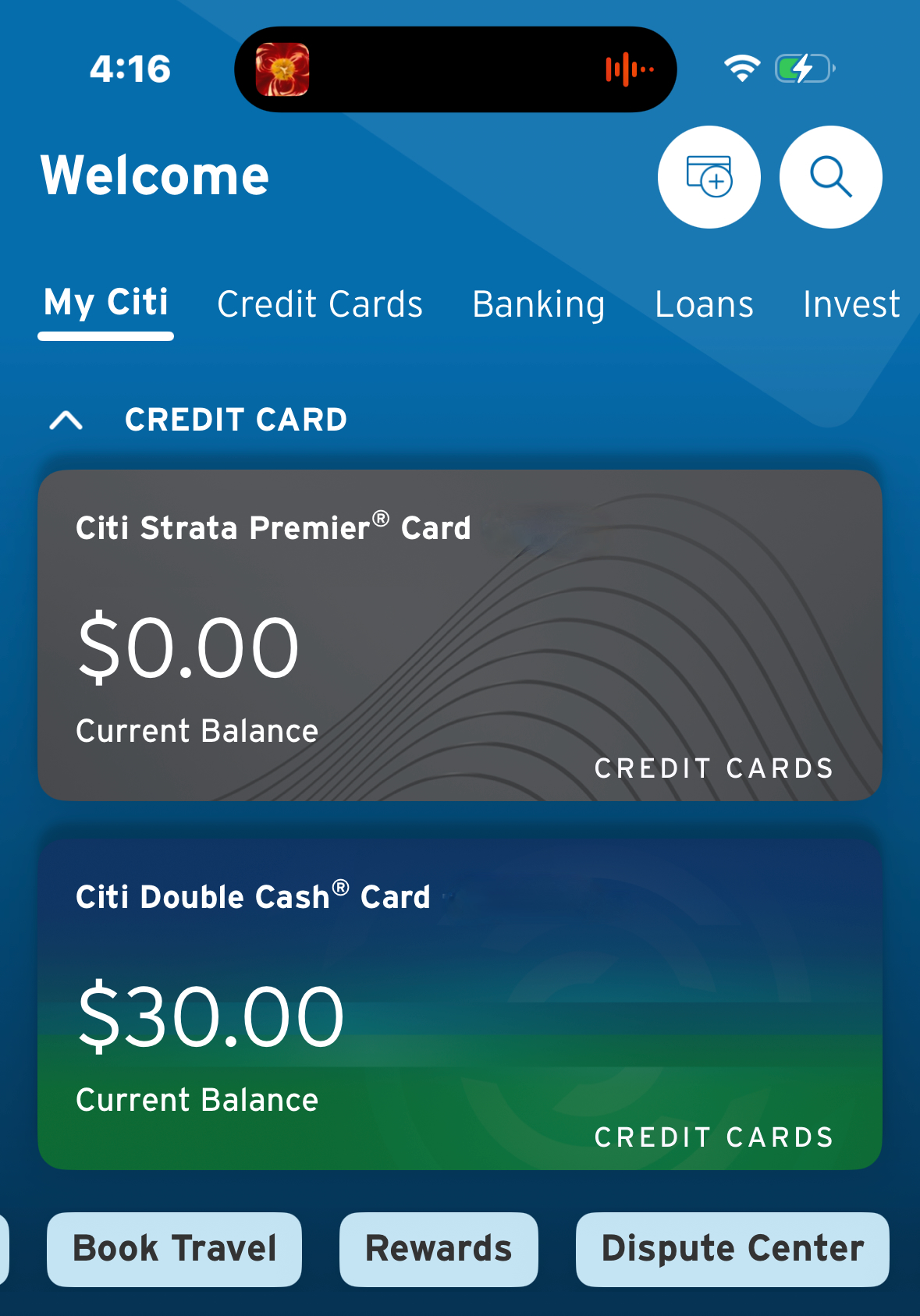
Step 2: Tap “Book Travel” From The Main Screen
Instead of digging through the rewards menu, you can tap Book Travel directly from the main screen in the app. Make sure you’ve selected your Citi Strata Premier Card.
Step 3: Confirm The $100 Benefit Banner
Just like on desktop, Citi shows a banner confirming the hotel savings benefit if it’s still available for the year.
Step 4: Complete Booking Normally
From here, you follow the same steps as desktop: choose a qualifying hotel stay, proceed to checkout, and confirm the $100 credit is applied before you finalize payment.
Is The Citi Travel Portal Worth Using?
I’m still not going to tell everyone to book all their hotels through Citi Travel. Portals can be annoying, and you can lose out on elite perks or direct-booking flexibility depending on the property and rate type. But for this one specific benefit, the portal is the price of admission — and when the portal price matches booking direct, the value becomes hard to ignore.
That’s the real takeaway here. The Strata Premier is a card built around a points strategy, but this one perk gives you something much simpler: a straightforward discount you can use once a year to help cover the annual fee.
Final Thought
The Citi Strata Premier still feels like a card you keep primarily for transfer partners. But the $100 annual hotel savings benefit is the one feature that delivers predictable, real-world value without requiring the “perfect redemption” game.
If you can line up one $500+ hotel stay each year — especially when Citi’s portal pricing matches direct rates — it’s a simple way to break even on the card instead of feeling like you’re paying an annual fee just to keep the “transfer points” option alive.
Want to comment on this post? Great! Read this first to help ensure it gets approved.
Want to sponsor a post, write something for Your Mileage May Vary, or put ads on our site? Click here for more info.
Like this post? Please share it! We have plenty more just like it and would love it if you decided to hang around and sign up to get emailed notifications of when we post.
Whether you’ve read our articles before or this is the first time you’re stopping by, we’re really glad you’re here and hope you come back to visit again!
This post first appeared on Your Mileage May Vary

1 comment
Great advice. I have this card and have no plans to upgrade to the Elite (have Amex Gold, Amex Platinum and CSR so have enough credits). Personally I only book hotels where I don’t have status through a portal but I travel a lot and not hard to find a use. Usually I also take advantage of the 2 $50 hotel credits on my United Explorer card and the $100 hotel credit on my Delta gold card.