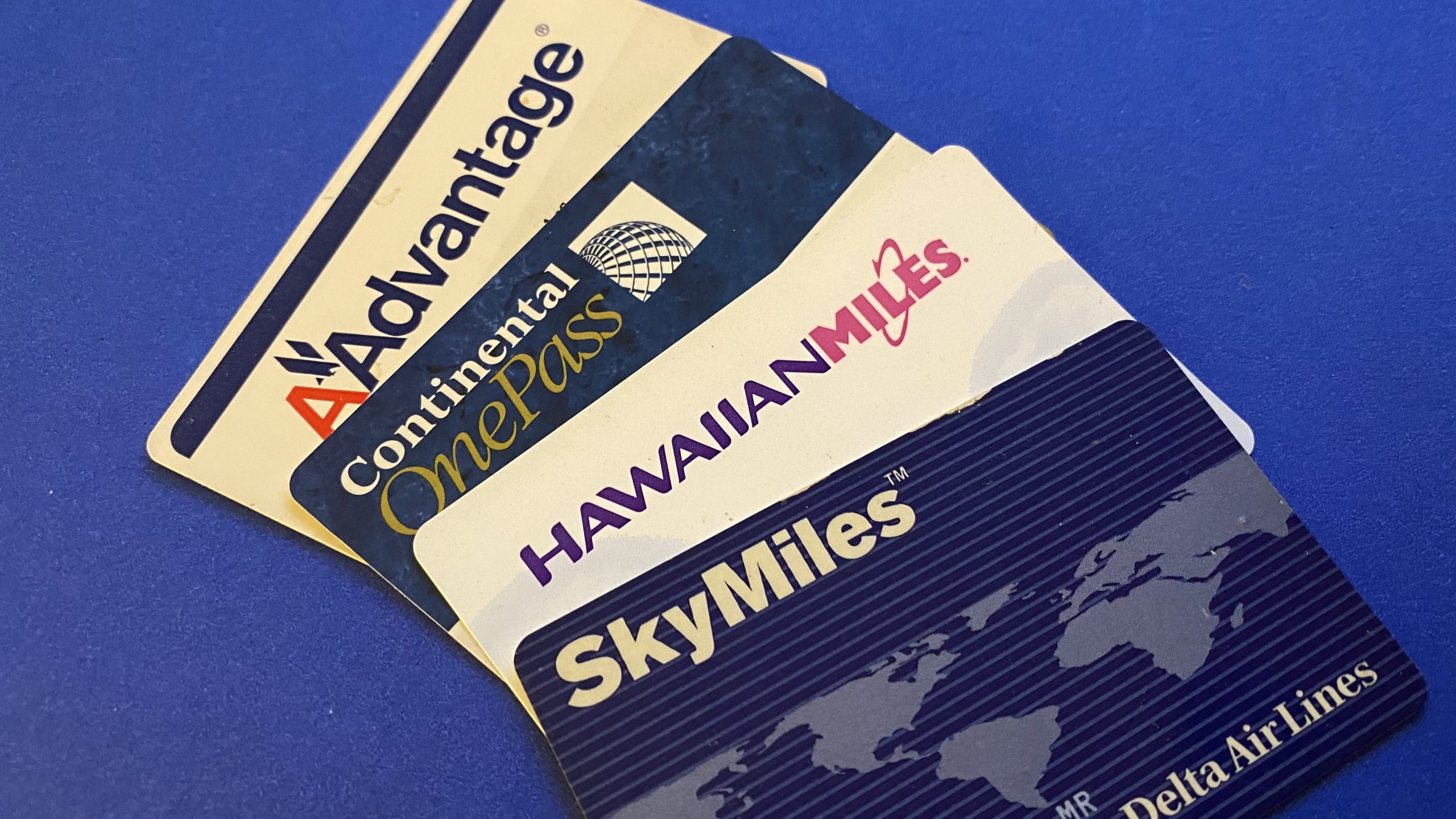
If you fly even occasionally, it’s worth creating a frequent flyer account with each airline you use. Not only does it store your info for faster bookings, but it also helps you earn points or miles you can redeem later.
And while many airline programs (especially in the U.S.) no longer expire miles the way they used to, not every program works that way — so there’s still no downside to signing up and keeping your information accurate.
If you need to register for any airline programs, here’s where you can find a link to each program’s registration page.
But what happens if you signed up with a name that doesn’t match your current ID?
Why does this become a problem when you book while logged in
I was watching a Netflix comedy special, and a bit about someone trying to change the name on his SkyMiles account (because it didn’t match his ID) hit a little too close to home.
The comedian jokes about contacting your Senator, which is… honestly not a terrible punchline. But while that could potentially help with a passport issue, it won’t help you change the name on your SkyMiles account.
And here’s the part that’s not a joke: when you’re logged into an airline website and book a flight under your frequent flyer profile, the airline typically pulls your name directly from that account profile. Depending on the airline and booking flow, you may not be able to “fix” it at checkout.
That’s why airlines (and TSA’s Secure Flight rules) strongly recommend that the name on your reservation exactly matches the government-issued ID you’ll use to travel.
The fix: update your frequent flyer profile before you book
In the clip, the comedian eventually mentions what’s required to change your name on a Delta SkyMiles account — and Delta’s official instructions can be found here: Delta SkyMiles support.
There was a time when my wife, Sharon, had to do this with United, American, Delta (and possibly a couple of other programs) after we got married and her last name changed. That part was easy because we had copies of our marriage license ready.
It can be more frustrating if you need to change your account from an initial or nickname to your full legal name — especially now that airlines and TSA are increasingly strict about your reservation matching your ID.
And although there have been loopholes for changing a name on a ticket, that’s a separate situation. Updating the name on your loyalty account usually has its own process.
So I went looking: how do you actually change the name on your frequent flyer accounts?
American AAdvantage
American says you’ll need to contact them to change your name or birth date, and you may need to provide documents. Start here:
Contact American (name change request)
Southwest Rapid Rewards
Southwest’s website isn’t very clear about the exact process for changing the name on a Rapid Rewards account. Many travelers report being asked to send documentation (like a marriage certificate or updated ID) along with their Rapid Rewards number and the requested change.
Tip: If you need to do this, it’s best to start by contacting Southwest directly (or verifying any email/fax instructions with them), since processes can change.
United MileagePlus
United has some of the clearest guidance. They allow certain “simple” corrections without documentation (for example, a spelling correction or changing a nickname to a full name), but significant changes usually require proof (marriage/divorce/name change docs, etc.). Start here:
United MileagePlus name change info
JetBlue TrueBlue
JetBlue instructs members to call customer service for name changes, and they may require supporting legal documentation. Their main customer service number is:
1-800-538-2583 (1-800-JETBLUE)
Spirit Free Spirit
Spirit indicates they can assist with legal name changes, typically with supporting documentation (marriage license, court order, divorce decree, etc.). Start here:
Air Canada Aeroplan
Aeroplan places responsibility on the member to keep account information current. You can generally update information online, or by calling their contact centre. Start here:
Air Canada / Aeroplan customer support
Hawaiian Airlines HawaiianMiles
Hawaiian says the name on your HawaiianMiles account can’t be changed online. For minor corrections you’ll typically call; for legal name changes you’ll usually submit documentation. Start here:
Hawaiian Airlines online request form
Frontier Airlines FrontierMiles
Frontier doesn’t provide clear name-change instructions on its site. If you need to update the name on your account, the most reliable option is to contact Frontier directly and ask what they require.
Final Thought
Most frequent flyer programs will let you update things like your email, address, or phone number online. But when it comes to your name, many airlines treat that as a security issue — which is why documentation is often required.
If you’re recently married, divorced, or have had your name legally changed, plan for this to take a bit of effort. Some airlines accept uploads via web form or email, while others still use older processes. Either way, it’s much easier to fix your loyalty profile before you book your next flight.
If you have accounts with non-U.S. airlines, the fastest shortcut is usually searching: “change name [airline] loyalty program” and going straight to the airline’s official instructions.
Want to comment on this post? Great! Read this first to help ensure it gets approved.
Want to sponsor a post, write something for Your Mileage May Vary, or put ads on our site? Click here for more info.
Like this post? Please share it! We have plenty more just like it and would love it if you decided to hang around and sign up to get emailed notifications of when we post.
Whether you’ve read our articles before or this is the first time you’re stopping by, we’re really glad you’re here and hope you come back to visit again!
This post first appeared on Your Mileage May Vary