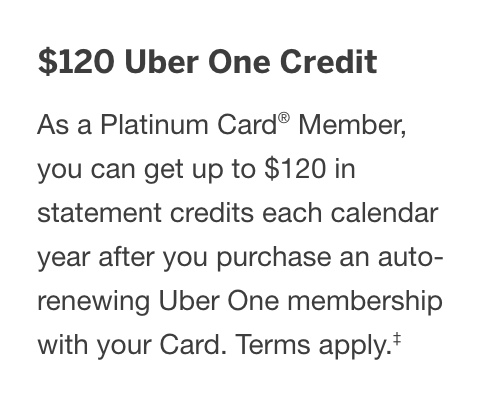
If you have an American Express Platinum Card, one of the quieter perks is getting Uber One at no cost, thanks to a statement credit that reimburses the fee.
But there’s a catch — and it’s on Uber’s side.
By default, Uber applies credits first, even when you’ve selected your Platinum card as the payment method. When that happens, the Amex benefit doesn’t work at all, and you end up burning your monthly Uber Cash instead.
Here’s what’s going on — and how to fix it before it costs you money.
The Problem: Uber Defaults to Using Credits First
Uber One is billed either as an annual one-time fee or a monthly subscription. That part is straightforward.
The problem is how Uber decides to pay for it.
By default, Uber will:
- Use Uber Cash
- Use Uber One credits
- Then charge a credit card only if necessary
That default behavior breaks the Amex Platinum benefit.
Why This Matters for Amex Platinum Cardholders
Unlike the Uber Cash benefit, which adds funds to your Uber account every month, the Uber One benefit is a statement credit.
That means:
- Uber must charge the full Uber One fee to your Platinum card
- American Express then issues a statement credit to offset the charge
If Uber applies any credits first:
- Your Platinum card is not charged (or only partially charged)
- American Express never sees a qualifying Uber One transaction
- No statement credit is issued
At the same time:
- Your Uber Cash is consumed
- You lose the flexibility to use it on rides or food
- The Platinum benefit is effectively wasted for that month
You lose twice — once in credits, and once in missed reimbursement.
Why This Is Easy to Miss
This isn’t obvious unless you dig.
At first glance:
- Uber One is active
- The renewal price is correct
- Your American Express Platinum card is selected
Everything looks fine.
But one screen deeper…
The Key Warning Uber Doesn’t Explain
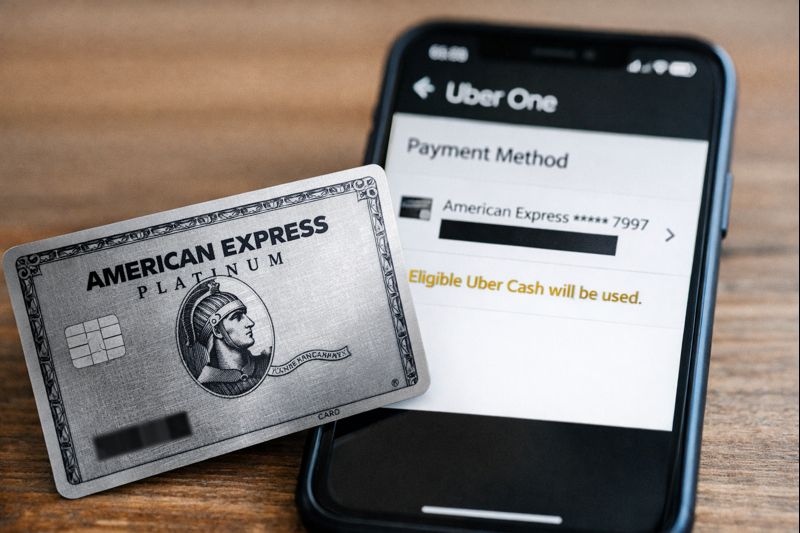
Under your selected Amex card, Uber quietly states:
“Eligible Uber Cash will be used.”
There’s no alert explaining that this will:
- Prevent the Amex statement credit
- Burn your monthly Uber Cash
- Break the benefit you’re trying to use
And there’s no automatic opt-out.
How to Fix It (Yes, There Is a Setting)
You can stop this — but you have to override Uber’s default behavior.
Here’s how.
Step 1: Go to Uber One settings
- Open the Uber app
- Tap Account
- Tap Uber One
- Tap Manage membership

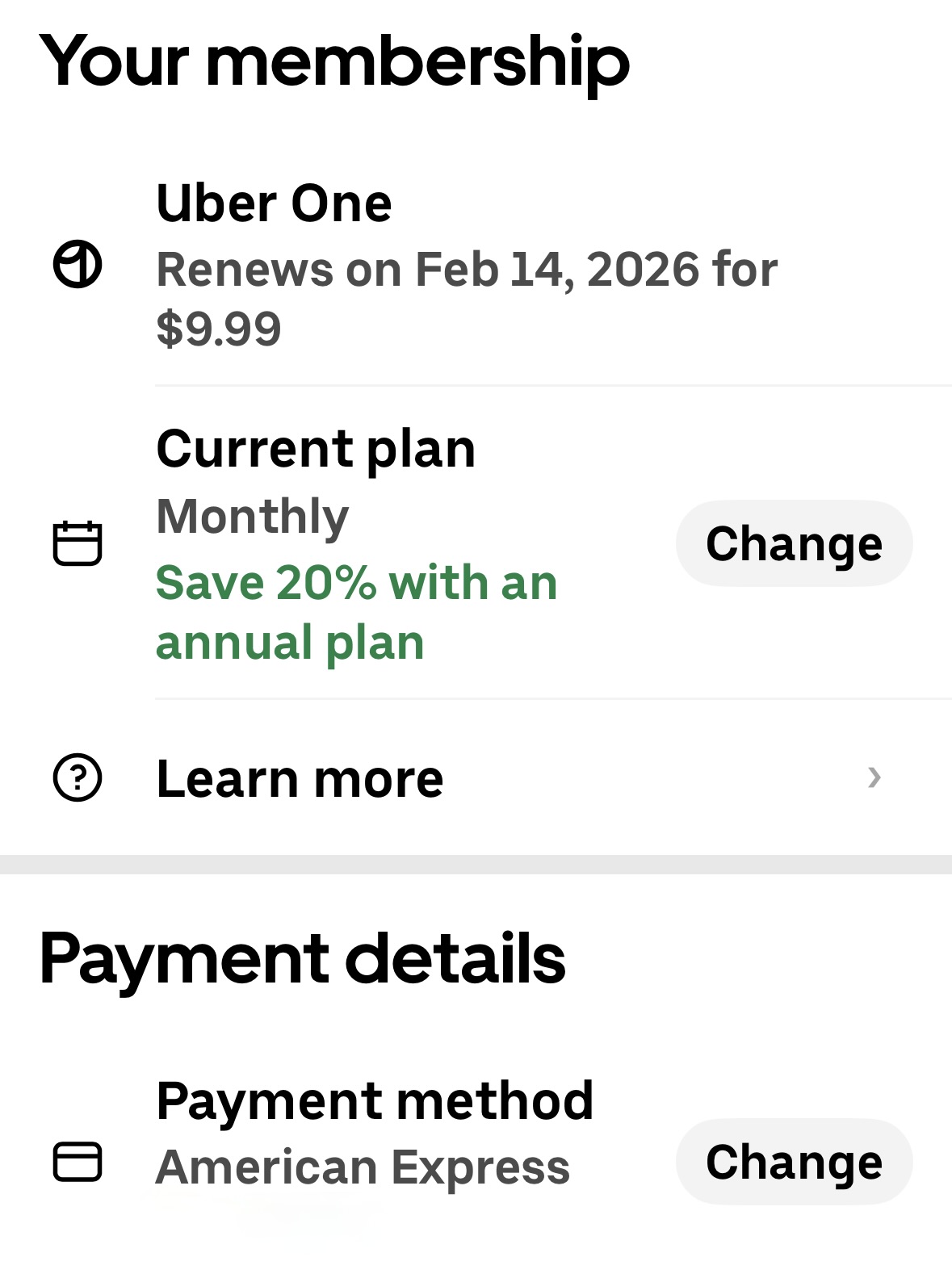
Step 2: Open Payment details
Tap Payment method → Change.
You’ll see your selected card and any credits Uber plans to use.
Step 3: Turn off Uber balances
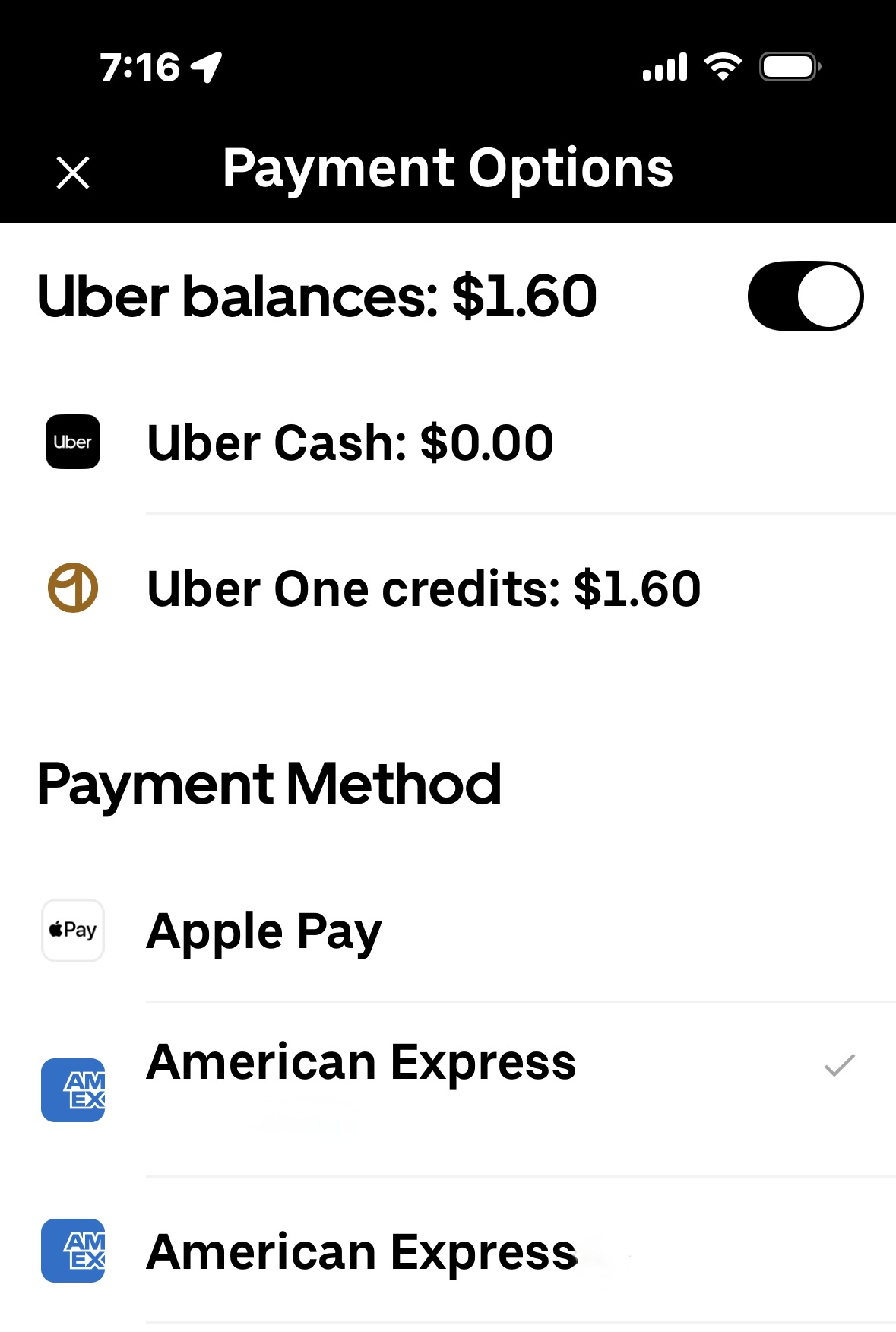
Once in the Payment Options screen, look at the top of the menu.
You’ll see:
- Uber Cash
- Uber One credits
- A toggle labeled Uber balances
Turn that toggle OFF.
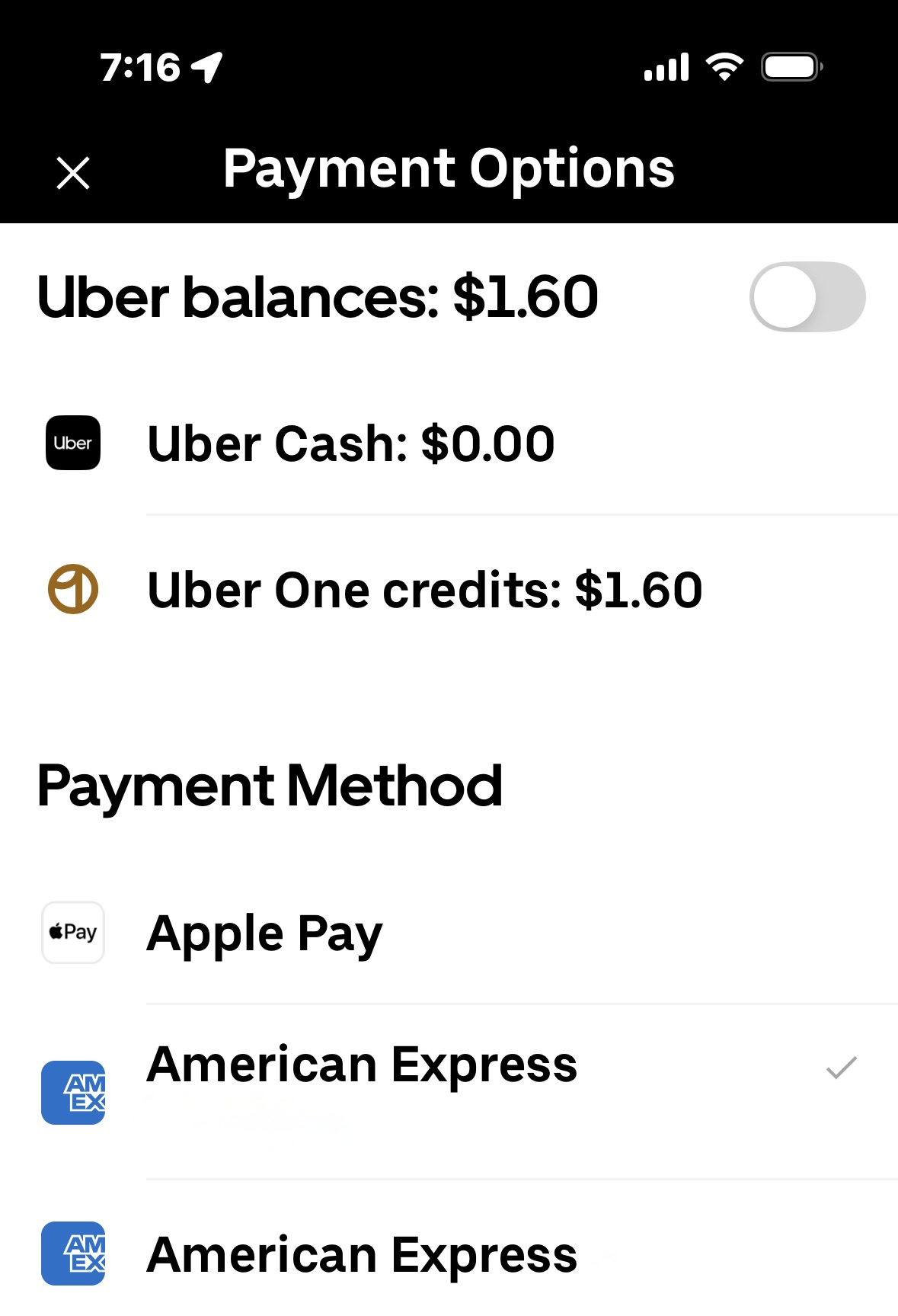
This forces Uber to charge your credit card first, even if credits are available.
Step 4: Confirm your Platinum card is selected
Make sure your Amex Platinum is checked as the payment method.
Once Uber balances are off:
- Uber One will charge your Platinum card
- Amex will see a qualifying transaction
- The statement credit will trigger correctly
Final Thought
This isn’t user error — it’s Uber’s default behavior.
Uber quietly prioritizes credits, even when:
- You select a credit card
- You’re relying on a statement credit benefit
- The subscription is supposed to be reimbursed
If you don’t manually change this setting, Uber can burn your Uber Cash and never tell you that your Amex Platinum benefit didn’t activate.
This is one of those small settings that makes a real difference — and it’s worth checking before your next renewal.
Want to comment on this post? Great! Read this first to help ensure it gets approved.
Want to sponsor a post, write something for Your Mileage May Vary, or put ads on our site? Click here for more info.
Like this post? Please share it! We have plenty more just like it and would love it if you decided to hang around and sign up to get emailed notifications of when we post.
Whether you’ve read our articles before or this is the first time you’re stopping by, we’re really glad you’re here and hope you come back to visit again!
This post first appeared on Your Mileage May Vary

2 comments
Not correct – at least for my Uber app. I followed the steps above and under “manage membership” it only listed my Amex Platinum card. There is no reference to uber cash or credits. Also, I previously got the full Uber One fee covered by my Amex card. Maybe this is the Android version of the App but the IOS versus on my I Phone is set up only to pay with Amex Platinum and that is how it has always been.
This is the second serious scam. Uber has perpetuated. The other one being defaulting to use its own ripoff exchange rate when you are overseas rather than using your bank’s exchange rate. I fixed that scam on my app, but avoid Uber internationally and use any other rideshare service available. I’m using Lyft in Miami and fares are consistently 10–20% lower. Get lost, Uber.