I recently read about a new targeted American Express Offer that gives $100 back when you spend $500 or more with SIXT on a car rental.
Since I already have an upcoming rental booked with SIXT, this seemed like an easy win. If the offer showed up on one of our cards, it would mean saving $100 on a rental I was planning to book anyway.
But when I first checked our AMEX accounts, the offer was nowhere to be found.
At first, I assumed we simply weren’t targeted.
But after poking around the AMEX Offers page a bit more, I realized the issue wasn’t targeting.
It was the website.
When A Search Doesn’t Find The Offer
If you’ve ever browsed through your AMEX Offers, you know the list can get pretty long. Most cards show around 100 available offers, and realistically, most of them aren’t useful.
Because of that, I usually filter offers by category to narrow things down.
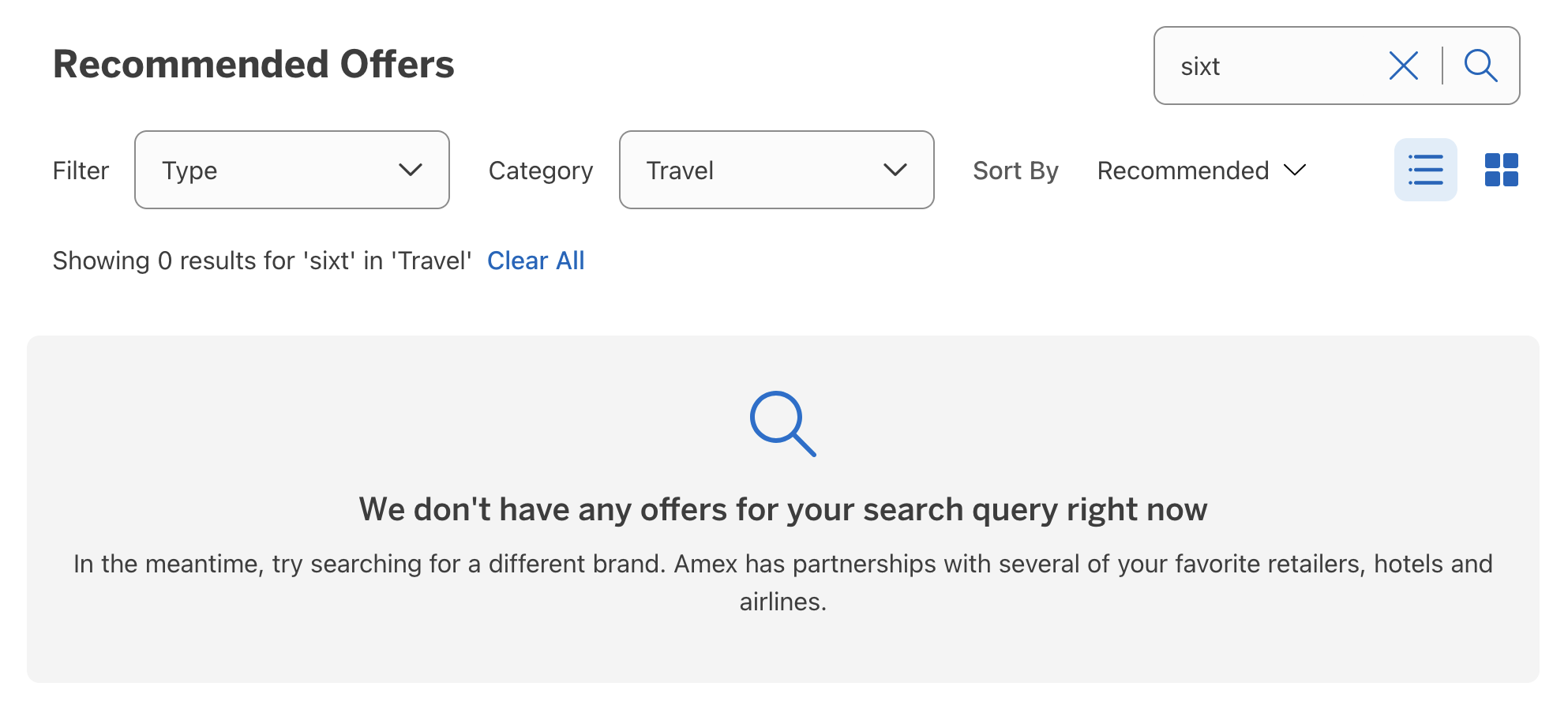
Since SIXT is a car rental company, the logical place to start was Travel.
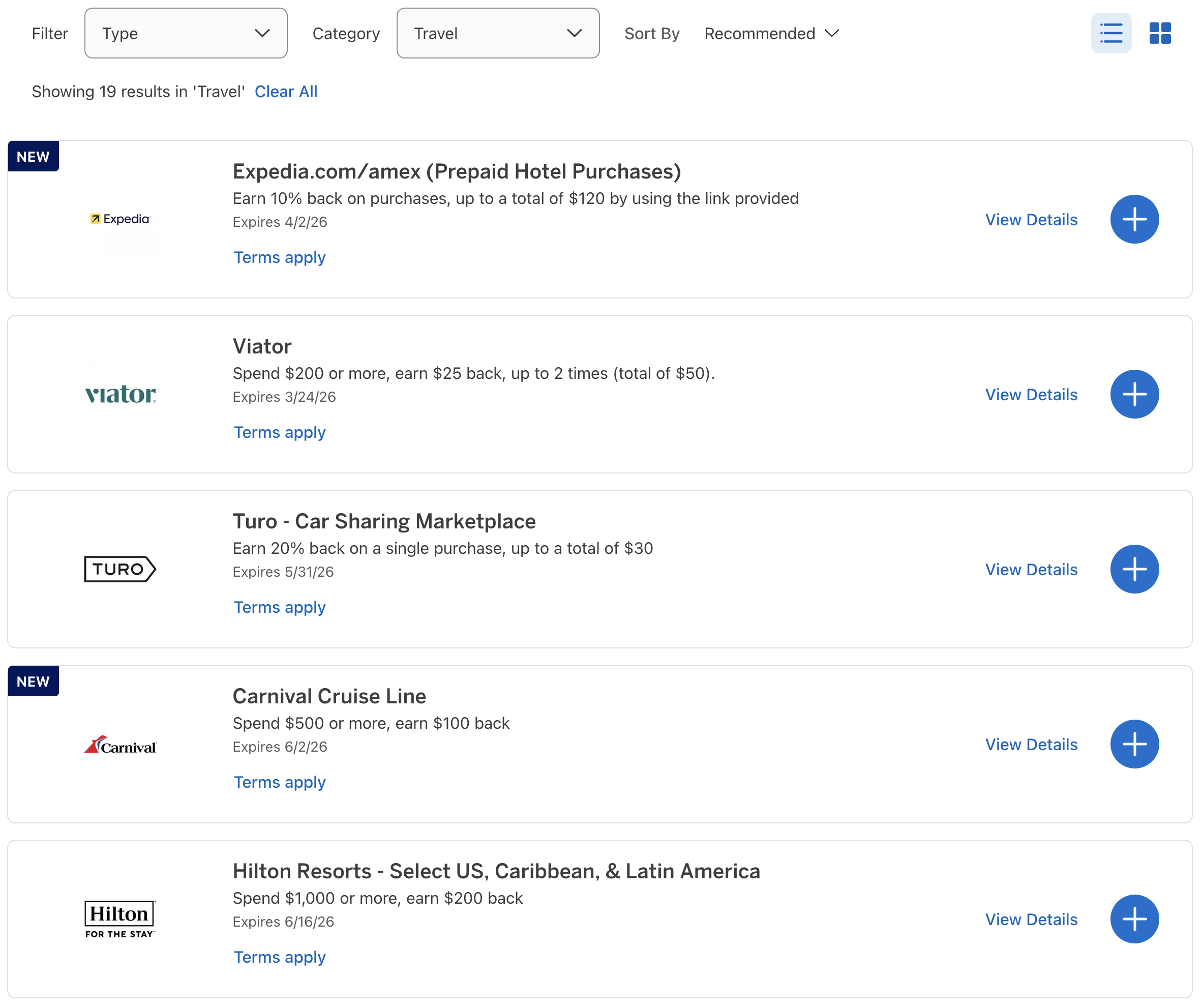
Inside the Travel category, I saw plenty of offers — hotels, cruises, tour operators, and even Turo car sharing.
But no SIXT.
Next, I tried searching directly for SIXT using the search box.
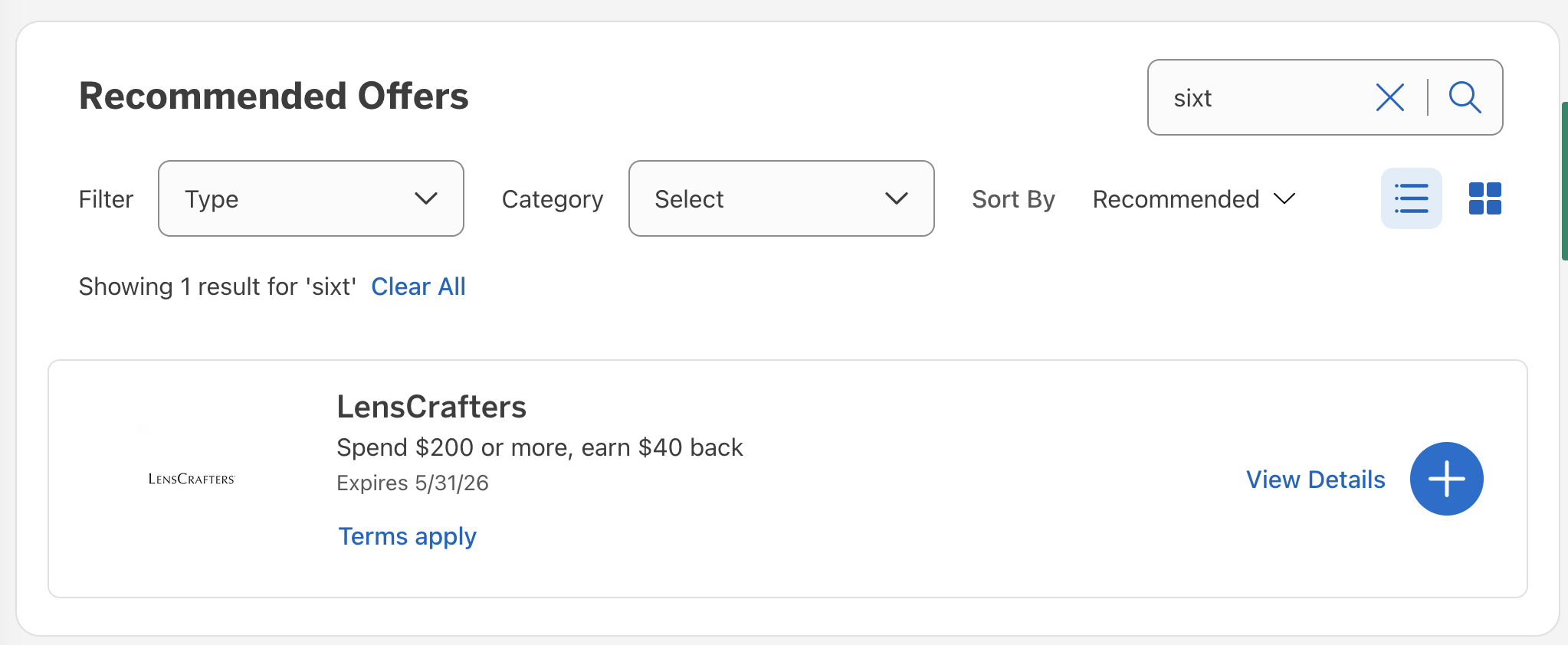
Still nothing. And for some reason, this search decided LensCrafters was the best match.
The Weird Categorization Problem
Eventually, I decided to just scroll through the full list of offers manually.
And that’s when I saw it.
The SIXT $100 back on $500 offer was on the list the entire time.
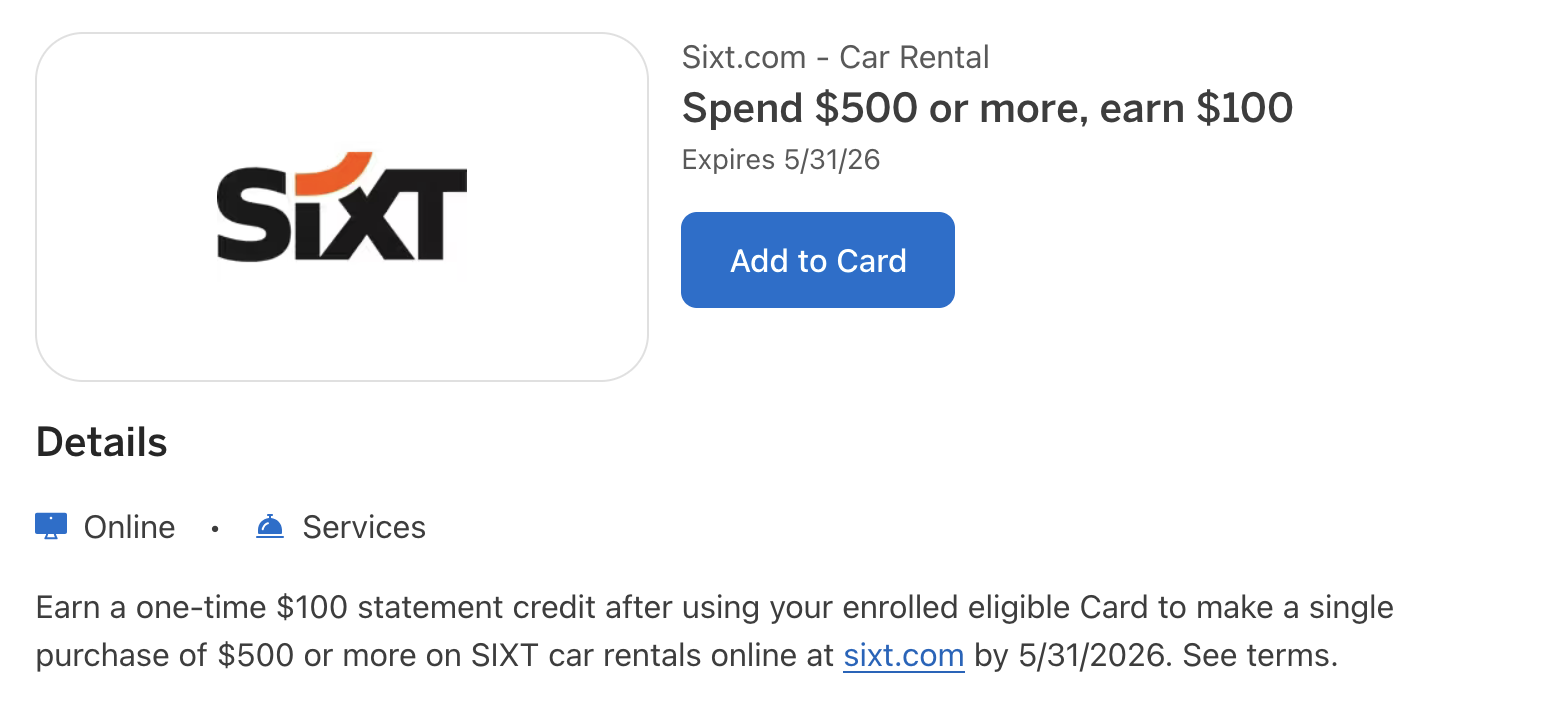
So why didn’t it appear when filtering by Travel or searching for the merchant?
Because AMEX categorized it under “Services.”
Technically, you could argue that a rental car is a service. But most people probably think of rental cars as a travel expense, not something in the same category as:
- Duolingo
- TaxAct
- BetterHelp
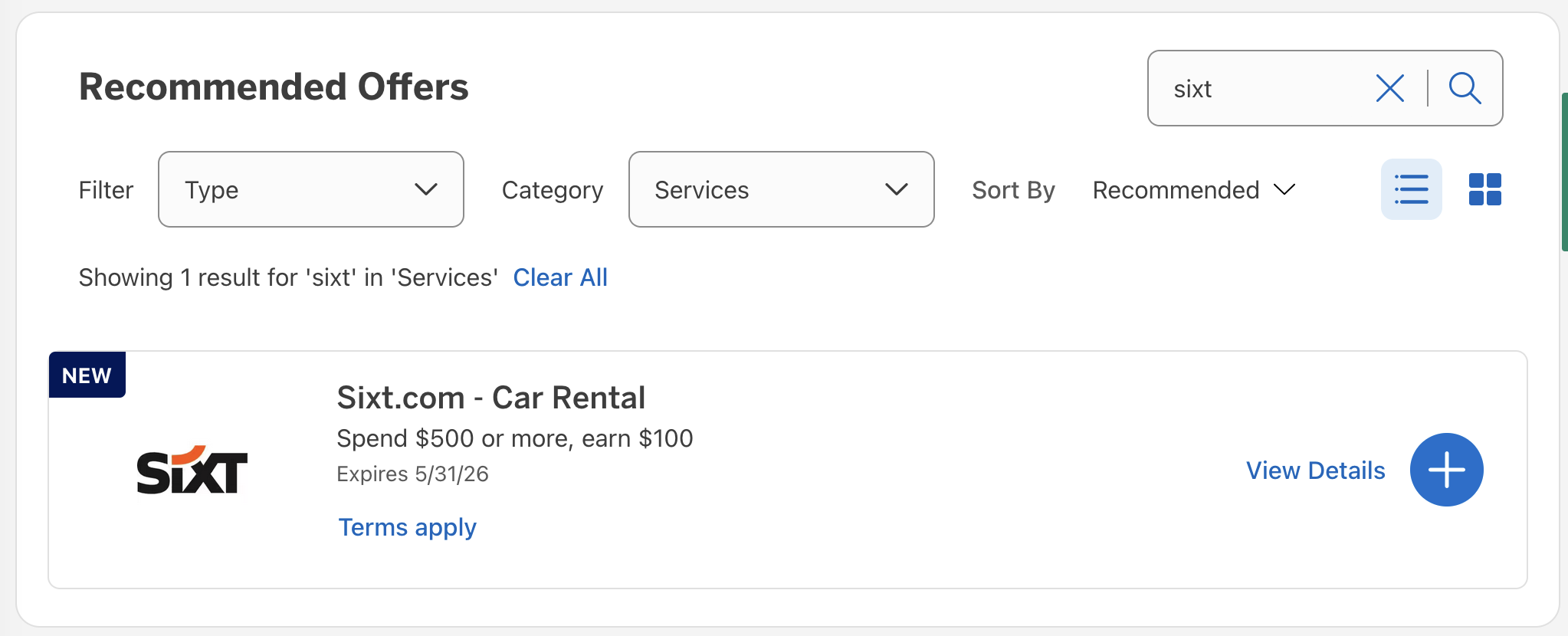
Even stranger, once I switched the filter to Services, the SIXT offer suddenly appeared — and searching for SIXT worked normally.
How This Could Make You Miss An Offer
This little quirk could easily make someone think they weren’t targeted for an AMEX Offer when they actually were.
If you search for the merchant name and nothing appears, it’s natural to assume the offer isn’t on your card.
But as this example shows, the AMEX website doesn’t always behave the way you’d expect.
Final Thought
If you read about a targeted AMEX Offer and want to see if it’s available on your card, don’t rely only on the search box or category filters.
Sometimes the easiest way to find an offer is the old-fashioned way: scroll through the entire list.
Otherwise, you might miss out on a deal that was sitting in your account all along.
Want to comment on this post? Great! Read this first to help ensure it gets approved.
Want to sponsor a post, write something for Your Mileage May Vary, or put ads on our site? Click here for more info
Like this post? Please share it! We have plenty more just like it and would love it if you decided to hang around and sign up to get emailed notifications of when we post.
Whether you’ve read our articles before or this is the first time you’re stopping by, we’re really glad you’re here and hope you come back to visit again!
This post first appeared on Your Mileage May Vary