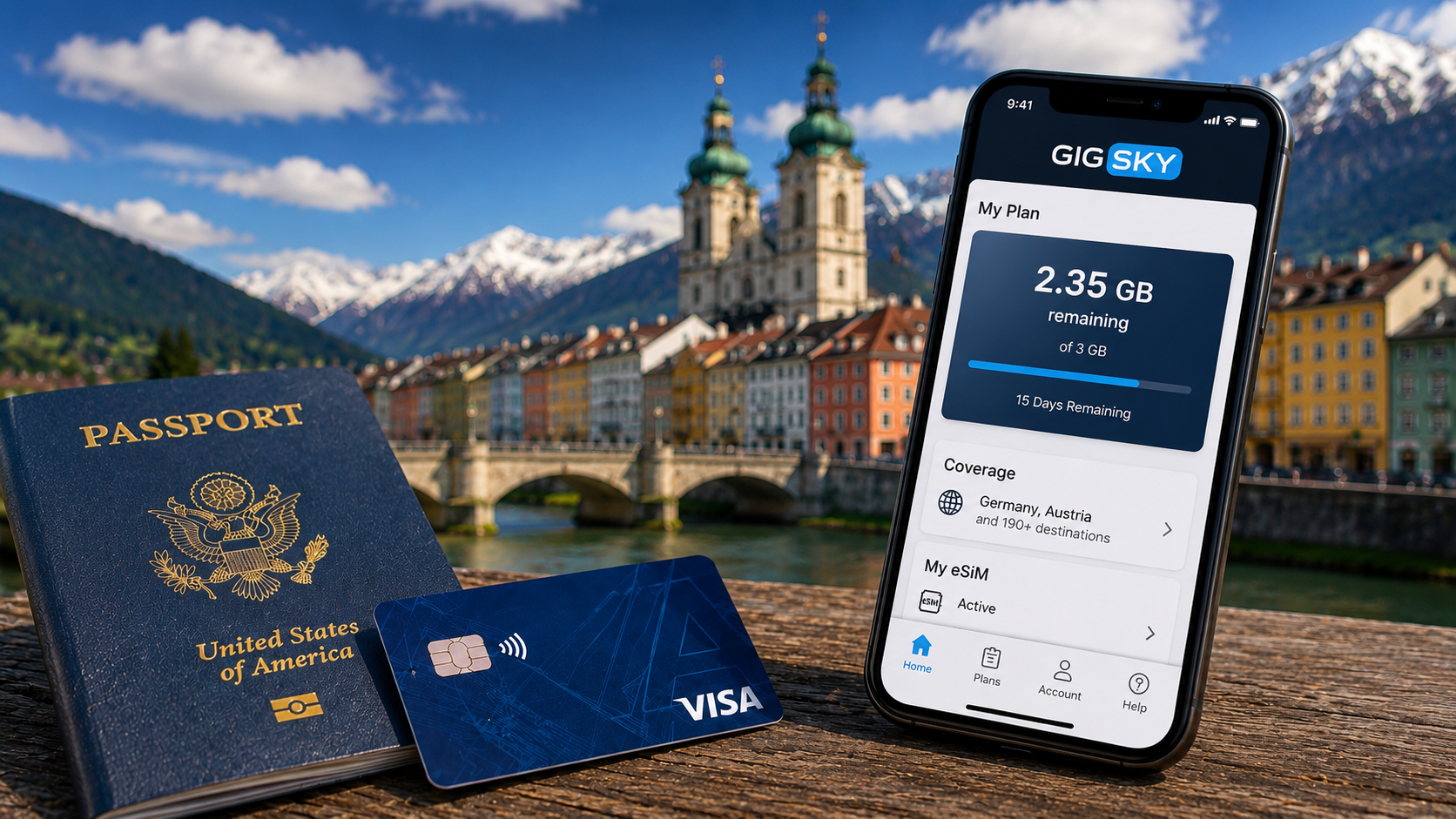
Before our recent trip to Germany and Austria, I wrote about how I was rethinking my international data setup.
In that post, I explained why I decided to test a layered approach instead of immediately buying a dedicated travel eSIM or switching carriers. I kept my T-Mobile line active and downloaded the GigSky app to test the free international data perk offered with some Visa cards.
On paper, it sounded like a smart backup plan. This trip gave me the chance to find out how it actually worked in the real world.
Why I Ended Up Needing More Data
Normally, T-Mobile’s included international roaming is enough for how we travel. It handles messaging, basic maps, and the occasional web search without much trouble.
But on this trip, I burned through my high-speed data much faster than usual.
Part of that was simply how much we relied on our phones. Between navigating unfamiliar cities, checking train schedules, looking up transit directions, using rideshare apps, and constantly searching for information while we were out exploring, my phone basically became our travel assistant for the entire trip.
Sure, we used hotel Wi-Fi when we were back in our rooms. But during the day, we were almost always connected.
Once my T-Mobile high-speed allotment ran out, speeds slowed dramatically. Things technically still worked, but everything started feeling sluggish.
That’s when I decided it was finally time to test GigSky.
Setting Up GigSky Was Surprisingly Easy
I installed the GigSky app and added my Chase Sapphire Preferred card to activate the free Visa Signature benefit.
The included plan wasn’t huge — just 1GB for 15 days — but that was fine for this test. I mainly wanted to see how well the system worked before relying on it more heavily in the future.
Frequent Miler has a helpful walkthrough showing how to activate the Visa benefit through GigSky, which made the setup process straightforward.
For comparison purposes, I also purchased additional high-speed international data directly from T-Mobile for Sharon’s phone. That gave us a chance to compare the experiences side by side.
Adding a second eSIM to my iPhone only took a few minutes. Once everything was installed, I configured GigSky as the primary data line while leaving T-Mobile active for texts, calls, and iMessage.
That’s really the sweet spot with modern eSIM phones. You don’t have to completely replace your existing carrier anymore — you can layer another data source on top of it.
The Free Visa Data Didn’t Last Long
One thing I learned very quickly is that 1GB of data disappears fast when you’re actively traveling.
Between maps, train schedules, rideshare apps, restaurant searches, and everything else we were constantly looking up during the day, I burned through the free 1GB from my Visa Signature benefit in only two or three days.
That actually ended up becoming part of the experiment.
Instead of buying more data directly, I added my wife Sharon’s Ritz-Carlton card to my GigSky account. Since it’s a Visa Infinite card, it came with a larger complimentary plan that included 3GB of data for 15 days.
That turned out to be enough to get me through the rest of the trip without needing to purchase an additional eSIM package.
Honestly, that flexibility was one of the more impressive parts of the experience. Rather than committing to a large international plan upfront, I was able to layer additional included benefits only when I actually needed them.
How Well Did It Actually Work?
For the most part, the service worked very well.
Once connected, data speeds felt noticeably faster than T-Mobile’s throttled international roaming, especially when loading maps, searching for information, or navigating around cities during the day.
Honestly, after the initial setup, I mostly stopped thinking about it — which is probably the best compliment you can give any travel tech.
The only real issue happened when we flew from Germany to Austria.
After landing, the eSIM didn’t automatically switch to a local network in the new country. At first I thought it was just taking a few minutes to reconnect, but eventually I realized nothing was happening.
The fix ended up being simple: I completely restarted my phone.
Once the phone rebooted, GigSky connected normally and everything started working again.
It wasn’t a major problem, but it’s definitely something I’d want to know ahead of time if I were relying on the service as my primary source of data.
An Unexpected Benefit Of Using Different Networks
One thing we noticed during the trip was that our phones didn’t always behave the same way — even when standing right next to each other.
Because Sharon was using T-Mobile’s international roaming while my phone was connected through GigSky, we often ended up on completely different local networks. Most of the time that didn’t matter, but occasionally one phone would have weak coverage while the other worked perfectly.
Sometimes my phone loaded maps faster. Other times hers connected first.
It wasn’t something I originally planned for, but it ended up being a surprisingly useful advantage. By diversifying our connectivity instead of putting both phones on the exact same roaming setup, we accidentally created a built-in backup system.
That’s probably one of the biggest lessons I took away from this test.
Sometimes the best international data strategy isn’t finding the “perfect” provider — it’s simply not having all your devices dependent on the same network at the same time.
Would I Use This Setup Again?
After trying it on a real trip, I think my original idea still holds up.
For travelers who already have international roaming through a carrier like T-Mobile, adding a free or discounted eSIM through a credit card can be a really useful middle ground. It gives you access to faster data without forcing you to switch carriers or buy a dedicated travel plan before every trip.
That doesn’t mean GigSky replaces every other option. Heavy users could still burn through the included data quickly, and there are definitely travelers who would benefit from larger dedicated eSIM plans.
But for my first real-world test, the experience was much smoother than I expected.
More importantly, it confirmed something I suspected before the trip: for many travelers, the best international data setup might already be sitting in your wallet.
Final Thought
A few years ago, using multiple eSIMs while traveling internationally sounded overly complicated.
Now it feels surprisingly normal.
Between built-in carrier roaming, credit-card data perks, and dual-eSIM phones, international connectivity has quietly become much more flexible than it used to be.
And after testing GigSky overseas for myself, I’m much more likely to keep this layered setup in place for future trips instead of immediately shopping for a separate travel eSIM every time we leave the country.
Want to comment on this post? Great! Read this first to help ensure it gets approved.
Want to sponsor a post, write something for Your Mileage May Vary, or put ads on our site? Click here for more info.
Like this post? Please share it! We have plenty more just like it and would love it if you decided to hang around and sign up to get emailed notifications of when we post.
Whether you’ve read our articles before or this is the first time you’re stopping by, we’re really glad you’re here and hope you come back to visit again!
This post first appeared on Your Mileage May Vary