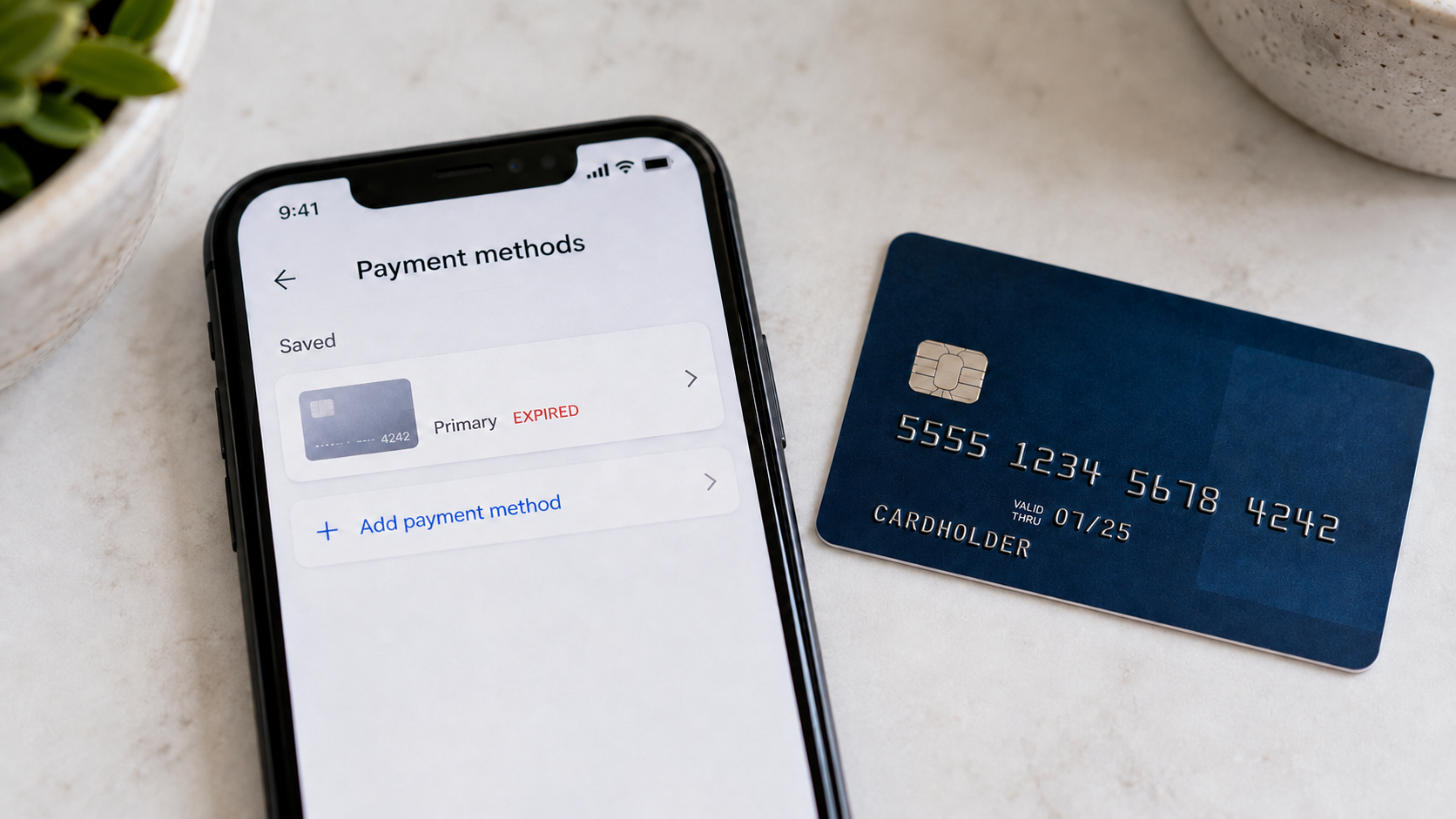
Canceling a credit card usually comes with a checklist. Use any remaining credits, move your points if needed, and make sure no recurring bills are charged to the account.
But there’s another easy-to-forget step: removing the canceled card from all the apps and websites where it’s saved.
That’s exactly what was happening to me.
The Card Was Gone, But It Was Still In My Apps
When I canceled my Sapphire Reserve, I handled the obvious parts. However, I never went through the apps where the card was saved.
It remained connected to Lyft and DoorDash even though the account was closed. Because many credit card benefits require you to add or pay with an eligible card, simply having my Sapphire Preferred wasn’t enough. I needed to update the payment methods in each account.
Removing My Old Sapphire Reserve
I started by deleting the canceled Sapphire Reserve from both Lyft and DoorDash. Then I added my Sapphire Preferred and set it as the primary payment method in each app.
That change matters because many credit card benefits don’t apply simply because you have the card. The correct card needs to be connected to the account and, in some cases, used to pay for the purchase.
With the Sapphire Preferred, I can earn 5X Ultimate Rewards points on qualifying Lyft purchases through September 30, 2027.
The card also includes a complimentary DashPass membership for at least 12 months when you activate it by December 31, 2027. DashPass provides $0 delivery fees and reduced service fees on eligible orders, along with a monthly $10 promotion for a qualifying grocery, retail or other non-restaurant order.
None of that was doing me much good while my canceled Sapphire Reserve was still sitting in the apps.
My Lyft Rewards Partner Didn’t Have To Change
Changing the payment card in Lyft is separate from choosing a Lyft rewards partner.
Lyft currently lets you earn rewards with several programs, but you can only select one travel partner at a time. As I explained in our post about the available Lyft rewards partners, I chose Bilt Rewards.
I left that connection alone.
By linking my Bilt and Lyft accounts, I earn 2X Bilt points per eligible dollar spent on most Lyft rides. I don’t need to pay with a Bilt credit card to receive those points because the rewards partnership and payment method are independent.
That means I can pay with my Sapphire Preferred and earn:
- 5X Chase Ultimate Rewards points from the Sapphire Preferred
- 2X Bilt points through the linked Lyft rewards partnership
That’s a useful combination from changing one stored payment card.
Then I Connected DashPass To Lyft
Since I was already cleaning up these accounts, I checked whether I’d overlooked anything else.
There was.
DashPass members can link their DoorDash and Lyft accounts for additional Lyft benefits. Once connected, members receive 5% off eligible on-demand Lyft rides and 10% off eligible scheduled airport rides, with a combined limit of four discounted rides per month.
The partnership also includes two complimentary Priority Pickup upgrades each month where available.
Therefore, after removing my canceled Sapphire Reserve and connecting everything correctly, an eligible Lyft ride can now provide:
- A DashPass discount
- 5X Chase Ultimate Rewards points for paying with my Sapphire Preferred
- 2X Bilt points from my selected Lyft rewards partner
These are three separate connections working together.
Final Thought
This only took a few minutes to fix, but it showed me how easy it is to overlook one final step after canceling a credit card.
Your old card could still be sitting in Uber, Lyft, DoorDash, Instacart, Amazon, a hotel account or any number of subscription services. At best, it will eventually cause a declined payment. At worst, you could continue missing discounts, statement credits or bonus rewards without realizing it.
The next time you cancel or change a credit card, don’t stop after moving your points and updating the bills that come in every month. Check the apps and websites where the card may still be stored.
A little digital housekeeping could keep an old card from becoming a costly mistake.
Want to comment on this post? Great! Read this first to help ensure it gets approved.
Want to sponsor a post, write something for Your Mileage May Vary, or put ads on our site? Click here for more info.
Like this post? Please share it! We have plenty more just like it and would love it if you decided to hang around and sign up to get emailed notifications of when we post.
Whether you’ve read our articles before or this is the first time you’re stopping by, we’re really glad you’re here and hope you come back to visit again!
This post first appeared on Your Mileage May Vary