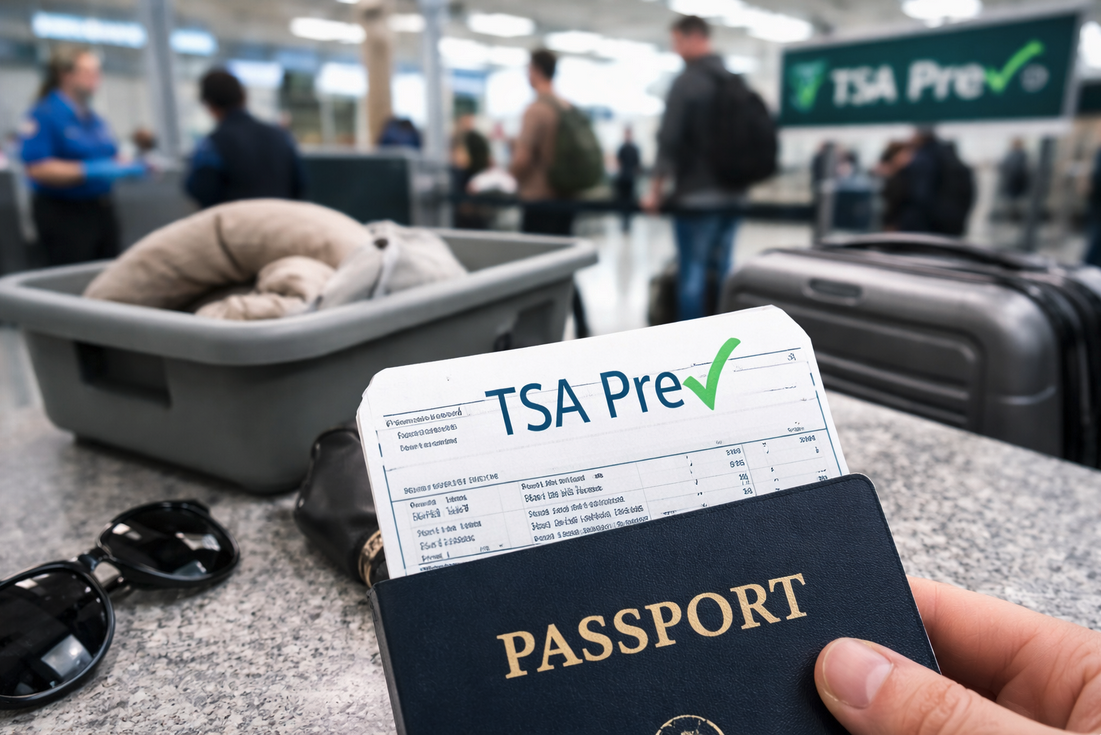
If your TSA PreCheck status didn’t appear on your boarding pass, there are a few common reasons—and in some cases, a quick fix before you fly.
Having TSA PreCheck can save a significant amount of time at airport security. That’s why it’s especially frustrating when you’re enrolled in the program—but it doesn’t show up on your boarding pass. Fortunately, there are a few common reasons this happens, and in some cases, an easy fix.
Why did it happen?
Good question. It’s most likely because:
- Your Known Traveler Number (KTN) wasn’t included when making your reservation. Once you add it the first time, most airlines will save it in your profile so it automatically shows up on future bookings. But you usually need to do this once for each airline you fly.
- The name on your boarding pass is spelled differently from how it’s spelled in your PreCheck account.
- Name / DOB doesn’t match exactly (include middle name/initial if that’s how your TSA profile has it)
These may be particularly relevant if someone else is making your plane reservations for you. Say, a work or travel buddy. They may not know your KTN, and you may not have thought to add it later. They may also misspell your name (Mathew/Matthew, Chris/Christine, Jamie B. Smith/Jamie Blaine Smith), exclude the middle name you always use, etc.
Other reasons for not having your TSA PreCheck status could be:
- Your airline might not participate in TSA PreCheck. These are the airlines that do.
- You got this on your boarding pass instead.
- Your TSA PreCheck status expired and you didn’t renew (now don’t you feel silly).
- The government has always said you’re not guaranteed to get TSA PreCheck status on your boarding pass, even if you have TSA PreCheck; it’s done purposely by the TSA to keep everybody guessing.
What to do about it?
For those last 4, you’re probably out of luck for this flight. But for the first two, you may have a chance:
- Log into your airline’s website, key in your KTN and reprint your boarding pass (note: if it’s too close to your flight time, this might not work. In which case, try our FAQ below).
FAQ
Can TSA add PreCheck to your boarding pass at the airport?
Sometimes. If your TSA PreCheck didn’t appear because your Known Traveler Number was missing or your name didn’t match exactly, an airline desk agent may be able to add it and reissue your boarding pass. If the issue is due to airline participation, expiration, or random TSA screening selection, it usually can’t be fixed for that flight.
Why doesn’t TSA PreCheck always show up even if I’m enrolled?
Because TSA PreCheck isn’t guaranteed on every flight. It can be affected by how your reservation was booked, how your name appears, airline participation, and TSA screening protocols.
If this happens frequently, it may help to understand how TSA rules are applied in practice. We explain two TSA rules many travelers unknowingly break here:
Two TSA rules most travelers break without even realizing it
Hopefully, you’ll be able to get everything fixed and have TSA PreCheck show up on your boarding pass again. And if not, it’s worth remembering that this is ultimately a minor inconvenience—not a travel disaster. Sometimes things don’t line up perfectly, and that’s just part of flying.
Want to comment on this post? Great! Read this first to help ensure it gets approved.
Want to sponsor a post, write something for Your Mileage May Vary, or put ads on our site? Click here for more info.
Like this post? Please share it! We have plenty more just like it and would love it if you decided to hang around and sign up to get emailed notifications of when we post.
Whether you’ve read our articles before or this is the first time you’re stopping by, we’re really glad you’re here and hope you come back to visit again!
This post first appeared on Your Mileage May Vary